Compress Image to 100 KB
Compress your image so it stays under 100 KB, ready for marksheets, ID proofs and school forms.
When you need a 100 KB Image
Works with JPG, PNG, WebP and HEIC photos from any phone or camera. These are the situations where a 100 KB limit usually appears:
- Scanned ID proofs and address documents for bank and telecom KYC.
- School and college admission forms with a 100 KB per-file limit.
- Professional licence and council registration photographs.
- Product and listing photos on small-business marketplaces with strict image limits.
What to expect at 100 KB
One hundred kilobytes gives you about 600 by 800 pixels at good quality. Printed text on a document photo is comfortably readable, and portraits keep natural detail.
| Shape | Portrait photo | Document or signature | Detailed photo |
|---|---|---|---|
| Square 1:1 | 890 × 890 | 1330 × 1330 | 670 × 670 |
| Passport 3.5:4.5 | 790 × 1010 | 1180 × 1510 | 590 × 760 |
| Landscape 4:3 | 1030 × 770 | 1540 × 1150 | 770 × 580 |
| Signature 2:1 | 1260 × 630 | 1890 × 940 | 940 × 470 |
A real example at 100 KB
A 600 × 800 pixel scan of a certificate fits in about 85 to 100 KB, and text such as seal numbers stays readable. A 1000 × 1300 pixel portrait needs a bit more squeezing, around 70% quality.
Getting the best 100 KB result
Set the maximum to 100 KB in the tool above, add your picture and run it; the result note reports the final size.
- If the document is mostly text, greyscale gives the best size-to-clarity ratio.
- Photograph an ID card flat on a dark surface with the camera directly above, then crop to the card edge.
Typical results at 100 KB
How much a file shrinks depends on where it starts. These examples show what a 100 KB limit means in practice:
| Starting file | Starting size | Result at 100 KB |
|---|---|---|
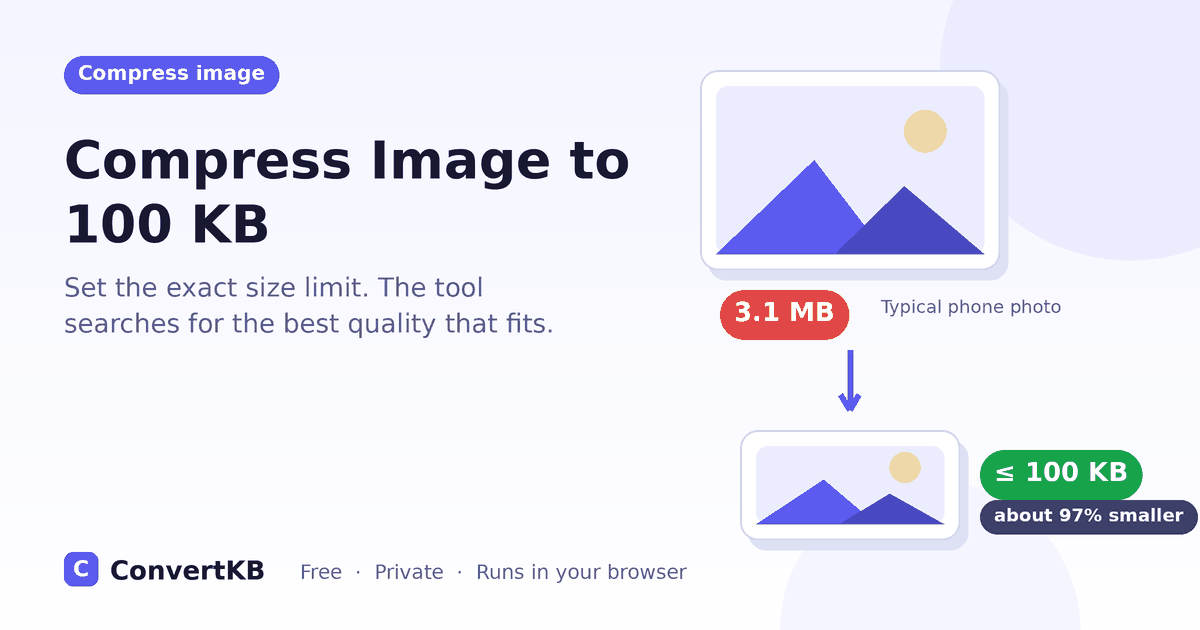
| Typical phone photo | 3.1 MB | about 97% smaller |
| Cropped passport photo | 650 KB | about 85% smaller |
| Scanned certificate (JPG) | 1.4 MB | about 93% smaller |
| Small web image | 120 KB | about 17% smaller |
Problems at 100 KB and how to avoid them
- Scanning at 600 DPI creates enormous files; the tool downsamples, but starting with 200 to 300 DPI is faster.
- Photos taken at an angle waste pixels on background; crop first.
Questions and answers
Is 100 KB enough for a clear document scan?
Yes for one or two pages. For many pages the tool lowers resolution to fit, so check the readability of small print in the result.
Can I compress a PNG screenshot to 100 KB?
Yes. The tool reduces colours and, if allowed, dimensions. Switching to JPG often gives a much better-looking result for photos.
Is my file uploaded anywhere?
No. Everything runs inside your browser tab using your own device. Nothing is sent to a ConvertKB server, and closing the tab clears the memory used.
Related tools
Nearby sizes and companion tools for the same job.
Compress Image to 50 KB
Compress an Image to under 50 KB for PAN, passport-style photos and many exam forms. No upload,…
Compress Image to 150 KB
Compress an Image to under 150 KB for sharper ID scans and university uploads. No upload, no…
Compress Image to 40 KB
Compress an Image to under 40 KB for job-application photos and certificates. No upload, no…
Compress Image to 200 KB
Compress an Image to under 200 KB for NEET-style photos and multi-page documents. No upload, no…
Resize Image to 100 KB
Resize an Image to under 100 KB for marksheets, ID proofs and school forms. Set exact pixels,…
Compress JPG to 100 KB
Compress a JPG to under 100 KB for marksheets, ID proofs and school forms. Output uses a clean…
Compress PDF to 200 KB
Compress a PDF to under 200 KB for ten-page academic or research documents in greyscale. Keeps…