Compress JPG to 150 KB
Compress your JPG so it stays under 150 KB, ready for sharper ID scans and university uploads.
Certificates with seals at 150 KB
Certificates are harder than photographs because they combine fine text, thin border lines and often a red or blue seal. At 150 KB a JPG can hold about 970 × 1240 pixels of a portrait-style page, enough to keep seal edges from smearing.
Fine lines are where JPG shows damage first: you will see a faint halo around thin black lines if quality is too low. If the preview shows that, keep the quality and cut the dimensions a little, as lines stay crisp on a smaller image.
Example: a mark sheet with a printed seal
A mark sheet scanned at 300 DPI can reach 3 MB. Setting 150 KB brings it to roughly 1000 × 1400 pixels, which keeps the table text legible. Look at the seal in the preview: if its ring has become a smear, scan again at 200 DPI in colour and compress that file instead, because fewer scanned pixels compress with fewer artefacts.
What a 150 KB JPG can hold
At 150 KB, expect roughly 970 × 1240 pixels for a plain portrait and 2310 × 1150 pixels for a signature or document with mostly white background, before quality has to drop noticeably.
| Pixel size | Bits per pixel you can spend | What that means for JPG |
|---|---|---|
| 300 × 400 | 10.00 | Near-original quality |
| 600 × 800 | 2.50 | Near-original quality |
| 1200 × 1600 | 0.63 | Moderate: fine for ID-style photos |
| 2400 × 3200 | 0.16 | Blocky: shrink the dimensions instead |
Tips for a 150 KB JPG
- Scan at 150 to 200 DPI; higher resolution adds bytes without helping the reviewer.
- Make sure the certificate fills the frame but leaves its border visible.
- Compare the seal in the preview with the original before downloading.
Typical results at 150 KB
How much a file shrinks depends on where it starts. These examples show what a 150 KB limit means in practice:
| Starting file | Starting size | Result at 150 KB |
|---|---|---|
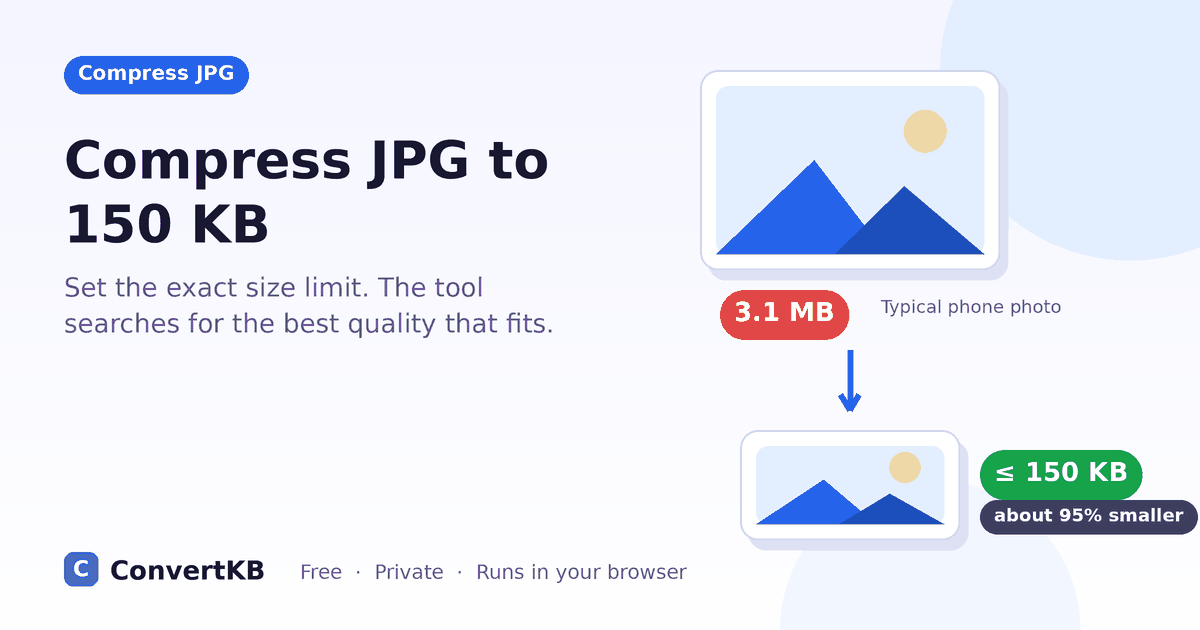
| Typical phone photo | 3.1 MB | about 95% smaller |
| Cropped passport photo | 650 KB | about 77% smaller |
| Scanned certificate (JPG) | 1.4 MB | about 89% smaller |
| Small web image | 120 KB | already under the limit |
Questions and answers
Is 150 KB better than 100 KB for certificates?
Usually yes. The extra 50 KB lets the tool keep around 20% more pixels on a document page, which is noticeable on seals and small print.
Is my file uploaded anywhere?
No. Everything runs inside your browser tab using your own device. Nothing is sent to a ConvertKB server, and closing the tab clears the memory used.
Related tools
Nearby sizes and companion tools for the same job.
Compress JPG to 100 KB
Compress a JPG to under 100 KB for marksheets, ID proofs and school forms. Output uses a clean…
Compress JPG to 200 KB
Compress a JPG to under 200 KB for NEET-style photos and multi-page documents. Output uses a…
Compress JPG to 50 KB
Compress a JPG to under 50 KB for PAN, passport-style photos and many exam forms. Output uses a…
Compress JPG to 500 KB
Compress a JPG to under 500 KB for high-quality scans and longer reports. Output uses a clean…
Compress Image to 150 KB
Compress an Image to under 150 KB for sharper ID scans and university uploads. No upload, no…
Compress Image to 200 KB
Compress an Image to under 200 KB for NEET-style photos and multi-page documents. No upload, no…
Compress PDF to 200 KB
Compress a PDF to under 200 KB for ten-page academic or research documents in greyscale. Keeps…