Compress PDF to 400 KB
Compress your PDF so it stays under 400 KB, ready for complete application bundles with ID, address and qualification proofs.
When you need a 400 KB PDF
Works with scanned and digital PDFs, including multi-page documents. These are the situations where a 400 KB limit usually appears:
- Complete application bundles with ID, address and qualification proofs.
- Tender and quotation documents for small vendors.
- Medical history and discharge summaries.
- Thesis or report chapters submitted for review.
What to expect at 400 KB
Four hundred kilobytes supports roughly fifteen to twenty greyscale text pages, or ten colour pages with modest images.
| Pages kept | Budget per page | Black-and-white text scan | Colour photo scan |
|---|---|---|---|
| 1 page | 400 KB | 308 DPI (sharp) | 182 DPI (sharp) |
| 2 pages | 200 KB | 218 DPI (sharp) | 128 DPI (readable) |
| 4 pages | 100 KB | 154 DPI (sharp) | 91 DPI (tight) |
| 8 pages | 50 KB | 108 DPI (readable) | 64 DPI (too soft) |
| 16 pages | 25 KB | 76 DPI (tight) | 45 DPI (too soft) |
A real example at 400 KB
A twenty-page application bundle at 105 DPI greyscale is about 340 to 400 KB; swapping in two colour pages can add 60 KB.
Getting the best 400 KB result
Set the maximum to 400 KB in the tool above, add your PDF and run it; the result note reports the final size.
- Order pages the way the portal reviewer will read them before you compress; page order is kept.
- Use greyscale for text-heavy bundles and keep colour only when it carries meaning.
Typical results at 400 KB
How much a file shrinks depends on where it starts. These examples show what a 400 KB limit means in practice:
| Starting file | Starting size | Result at 400 KB |
|---|---|---|
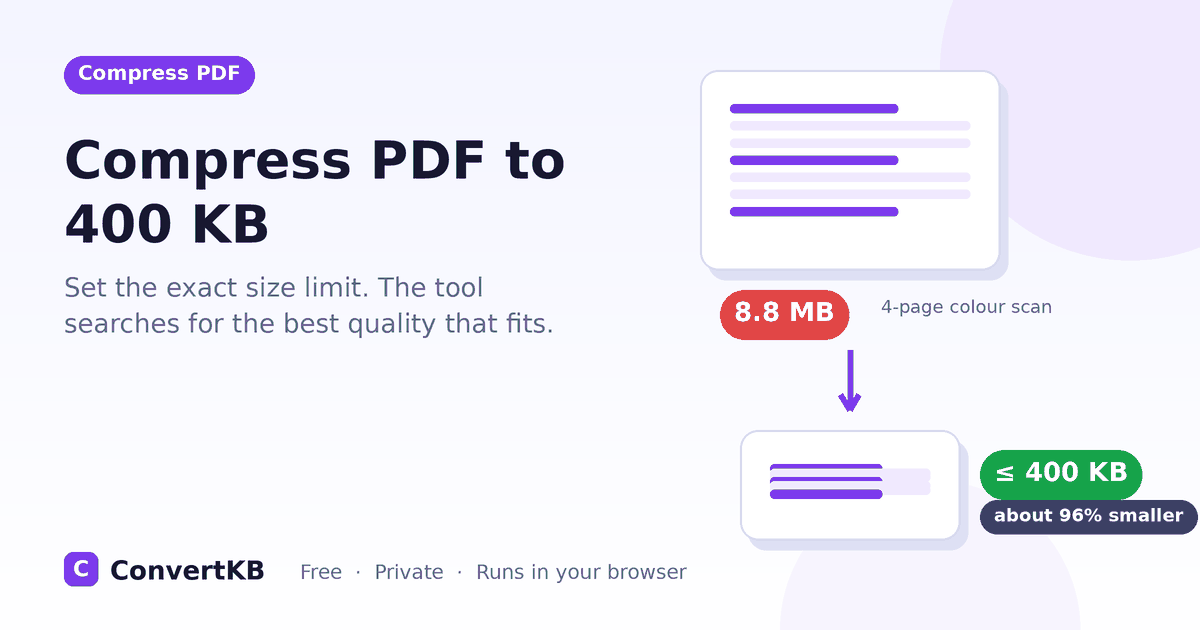
| Four-page colour scan | 8.8 MB | about 96% smaller |
| Two-page greyscale scan | 1.6 MB | about 75% smaller |
| Exported text document | 450 KB | about 11% smaller |
| Single signed page | 220 KB | already under the limit |
Problems at 400 KB and how to avoid them
- High-resolution photographs inside a PDF dominate its size; replace them with lighter versions if you can.
- Password-protected PDFs need the password to be opened before compression.
Questions and answers
Does 400 KB keep signatures clear?
Yes for typical scans. The tool shows the approximate DPI it used so you can judge.
Is this the same as 0.4 MB?
About 0.39 MB in binary units. The tool aims slightly under 400,000 bytes.
Is my file uploaded anywhere?
No. Everything runs inside your browser tab using your own device. Nothing is sent to a ConvertKB server, and closing the tab clears the memory used.
Related tools
Nearby sizes and companion tools for the same job.
Compress PDF to 300 KB
Compress a PDF to under 300 KB for fifteen-page assignment or project submissions. Keeps text…
Compress PDF to 500 KB
Compress a PDF to under 500 KB for twenty to thirty page documents at readable greyscale…
Compress PDF to 200 KB
Compress a PDF to under 200 KB for ten-page academic or research documents in greyscale. Keeps…
Compress PDF to 1 MB
Compress a PDF to under 1 MB for full application packs and scanned booklets. Keeps text when…