Compress Image to 150 KB
Compress your image so it stays under 150 KB, ready for sharper ID scans and university uploads.
When you need a 150 KB Image
Works with JPG, PNG, WebP and HEIC photos from any phone or camera. These are the situations where a 150 KB limit usually appears:
- University and admission portals that allow up to 150 KB per image.
- Certificate scans that include fine seals or watermarks.
- Professional profile photos for government employee portals.
- E-commerce seller-verification documents.
What to expect at 150 KB
At 150 KB a portrait keeps good facial detail at around 700 by 900 pixels, and a certificate scan keeps seals and small print readable.
| Shape | Portrait photo | Document or signature | Detailed photo |
|---|---|---|---|
| Square 1:1 | 1100 × 1100 | 1630 × 1630 | 820 × 820 |
| Passport 3.5:4.5 | 970 × 1240 | 1440 × 1850 | 720 × 930 |
| Landscape 4:3 | 1260 × 950 | 1890 × 1410 | 940 × 710 |
| Signature 2:1 | 1550 × 770 | 2310 × 1150 | 1150 × 580 |
A real example at 150 KB
A 700 × 900 pixel portrait with moderate detail is around 100 to 140 KB at 80% quality, leaving room for finer skin texture than at 50 KB.
Getting the best 150 KB result
Set the maximum to 150 KB in the tool above, add your picture and run it; the result note reports the final size.
- If the result looks too soft, raise the limit slightly or crop closer instead of lowering quality further.
- Keep a copy of the original; portals sometimes ask for a higher-quality file later.
Typical results at 150 KB
How much a file shrinks depends on where it starts. These examples show what a 150 KB limit means in practice:
| Starting file | Starting size | Result at 150 KB |
|---|---|---|
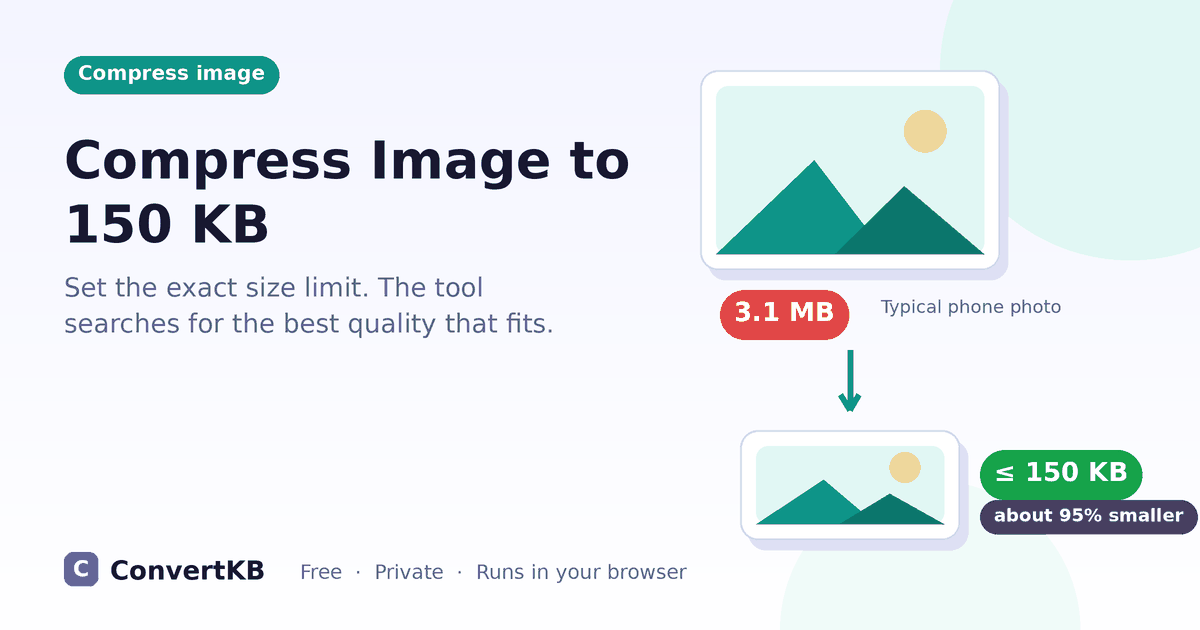
| Typical phone photo | 3.1 MB | about 95% smaller |
| Cropped passport photo | 650 KB | about 77% smaller |
| Scanned certificate (JPG) | 1.4 MB | about 89% smaller |
| Small web image | 120 KB | already under the limit |
Problems at 150 KB and how to avoid them
- Double compression (compressing a file that was already compressed by WhatsApp) degrades quality; share original files when possible.
- Large images with transparency saved as JPG get a white background; check logos after conversion.
Questions and answers
Is 150 KB a common limit?
It appears on university and some employee portals. If your form lists 100 KB or 200 KB, use the matching page for a closer fit.
Why is my 150 KB image smaller than 150 KB?
The tool picks the highest quality that fits under the limit. If the source is already small or simple, it can be well under without losing anything.
Is my file uploaded anywhere?
No. Everything runs inside your browser tab using your own device. Nothing is sent to a ConvertKB server, and closing the tab clears the memory used.
Related tools
Nearby sizes and companion tools for the same job.
Compress Image to 100 KB
Compress an Image to under 100 KB for marksheets, ID proofs and school forms. No upload, no…
Compress Image to 200 KB
Compress an Image to under 200 KB for NEET-style photos and multi-page documents. No upload, no…
Compress Image to 50 KB
Compress an Image to under 50 KB for PAN, passport-style photos and many exam forms. No upload,…
Compress Image to 500 KB
Compress an Image to under 500 KB for high-quality scans and longer reports. No upload, no…
Resize Image to 150 KB
Resize an Image to under 150 KB for sharper ID scans and university uploads. Set exact pixels,…
Compress JPG to 150 KB
Compress a JPG to under 150 KB for sharper ID scans and university uploads. Output uses a clean…
Compress PDF to 200 KB
Compress a PDF to under 200 KB for ten-page academic or research documents in greyscale. Keeps…