Compress JPG to 20 KB
Compress your JPG so it stays under 20 KB, ready for SSC, IBPS and state exam signatures.
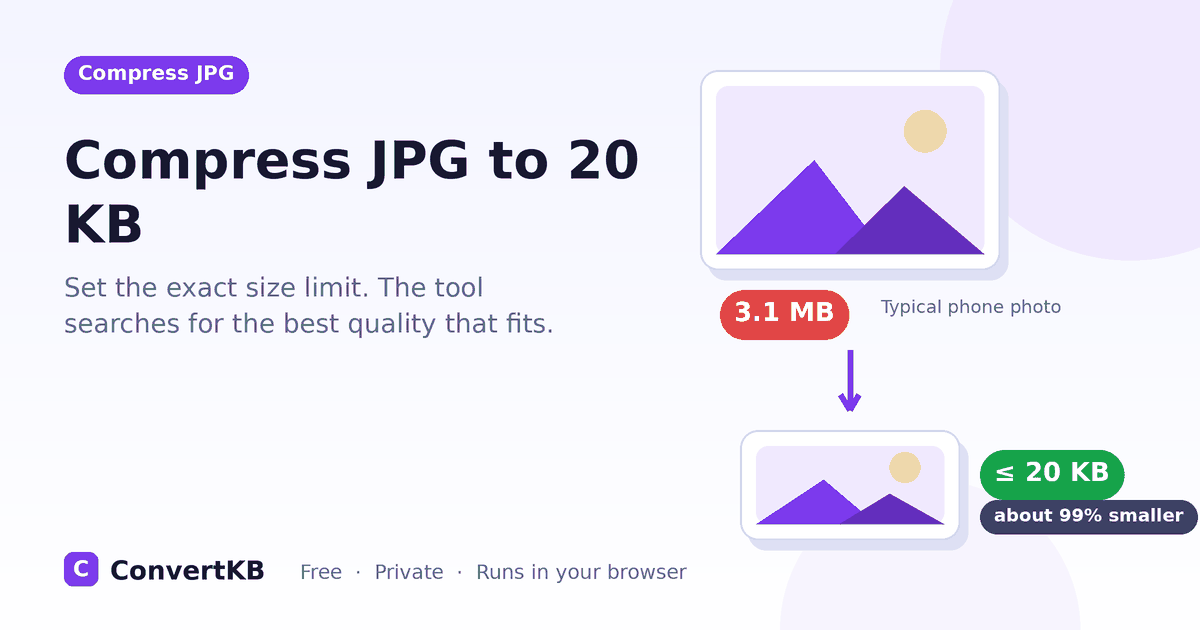
A 20 KB JPG: the small exam-form size
At 20 KB a portrait can keep roughly 350 × 450 pixels, which is the proportion most small photo fields expect, and a signature strip can reach about 840 × 420 pixels. That is enough detail for a face to be recognisable and for handwriting to read cleanly.
This is the size where the order of work matters. Crop to the exact shape first, then compress; compressing a full phone photo and cropping afterwards wastes the quality budget on pixels you throw away.
Example: a cropped portrait for a small photo box
Take a 3.1 MB selfie and crop it to head and shoulders at 3.5 : 4.5. The crop is about 1700 × 2200 pixels, still far too big. The tool lowers quality first, then dimensions, and a result near 350 × 450 pixels at roughly 18 to 19 KB is typical. Looking at it at 100% zoom, the face is clear, and the background has become flat.
What a 20 KB JPG can hold
At 20 KB, expect roughly 350 × 450 pixels for a plain portrait and 840 × 420 pixels for a signature or document with mostly white background, before quality has to drop noticeably.
| Pixel size | Bits per pixel you can spend | What that means for JPG |
|---|---|---|
| 300 × 400 | 1.33 | Good quality |
| 600 × 800 | 0.33 | Heavy compression, visible softness |
| 1200 × 1600 | 0.08 | Blocky: shrink the dimensions instead |
| 2400 × 3200 | 0.02 | Blocky: shrink the dimensions instead |
Tips for a 20 KB JPG
- Frame the head and shoulders only; background space is the first thing to cut.
- Avoid heavy retouching or noise reduction filters, which smooth skin into blocks at low quality.
- Check the result at 100% zoom, not in the thumbnail.
Typical results at 20 KB
How much a file shrinks depends on where it starts. These examples show what a 20 KB limit means in practice:
| Starting file | Starting size | Result at 20 KB |
|---|---|---|
| Typical phone photo | 3.1 MB | about 99% smaller |
| Cropped passport photo | 650 KB | about 97% smaller |
| Scanned certificate (JPG) | 1.4 MB | about 99% smaller |
| Small web image | 120 KB | about 83% smaller |
Questions and answers
Why does my photo look blocky at 20 KB?
JPG works on 8 × 8 pixel blocks, and at this size the tool has very little to spend on each. Use a closer crop or smaller dimensions, which gives each block more bytes.
Is my file uploaded anywhere?
No. Everything runs inside your browser tab using your own device. Nothing is sent to a ConvertKB server, and closing the tab clears the memory used.
Related tools
Nearby sizes and companion tools for the same job.
Compress JPG to 10 KB
Compress a JPG to under 10 KB for tiny signature and thumbnail fields. Output uses a clean .jpg…
Compress JPG to 30 KB
Compress a JPG to under 30 KB for state board and scholarship portals. Output uses a clean .jpg…
Compress JPG to 40 KB
Compress a JPG to under 40 KB for job-application photos and certificates. Output uses a clean…
Compress Image to 20 KB
Compress an Image to under 20 KB for SSC, IBPS and state exam signatures. No upload, no signup.…
SSC Photo & Signature Resizer
Resize your SSC CGL, CHSL or MTS photo to 100×120 px (20–50 KB) and signature to 140×60 px…
IBPS Photo & Signature Resizer
Resize IBPS PO, Clerk and RRB uploads: photo 200×230 px, signature 140×60 px, left thumb…
Signature Resizer
Resize a scanned or photographed signature to exact pixel sizes and KB limits: 140×60, 300×100…