Compress Image to 40 KB
Compress your image so it stays under 40 KB, ready for job-application photos and certificates.
When you need a 40 KB Image
Works with JPG, PNG, WebP and HEIC photos from any phone or camera. These are the situations where a 40 KB limit usually appears:
- Job-application photographs where the employer portal caps files at 40 KB.
- Scanned certificates and ID cards for state recruitment boards.
- Teacher-eligibility and nursing council application photographs.
- Insurance and bank forms that accept up to 40 KB per document image.
What to expect at 40 KB
Forty kilobytes comfortably fits a passport-size photo at roughly 280 by 350 pixels, or a single-page document photo at low resolution. Faces stay natural; small printed text on a document may need a close crop to remain readable.
| Shape | Portrait photo | Document or signature | Detailed photo |
|---|---|---|---|
| Square 1:1 | 570 × 570 | 840 × 840 | 420 × 420 |
| Passport 3.5:4.5 | 500 × 640 | 740 × 960 | 370 × 480 |
| Landscape 4:3 | 650 × 490 | 970 × 730 | 490 × 370 |
| Signature 2:1 | 800 × 400 | 1190 × 600 | 600 × 300 |
A real example at 40 KB
A 280 × 350 pixel employee photo with soft studio lighting comes out near 30 to 38 KB at roughly 75% quality; a patterned shirt can push it to the limit faster.
Getting the best 40 KB result
Set the maximum to 40 KB in the tool above, add your picture and run it; the result note reports the final size.
- If a portal asks for 20 to 40 KB, target 38 KB: it satisfies the maximum and leaves clear headroom above the minimum.
- Use the Enhance panel to raise contrast on faded certificates before compressing.
Typical results at 40 KB
How much a file shrinks depends on where it starts. These examples show what a 40 KB limit means in practice:
| Starting file | Starting size | Result at 40 KB |
|---|---|---|
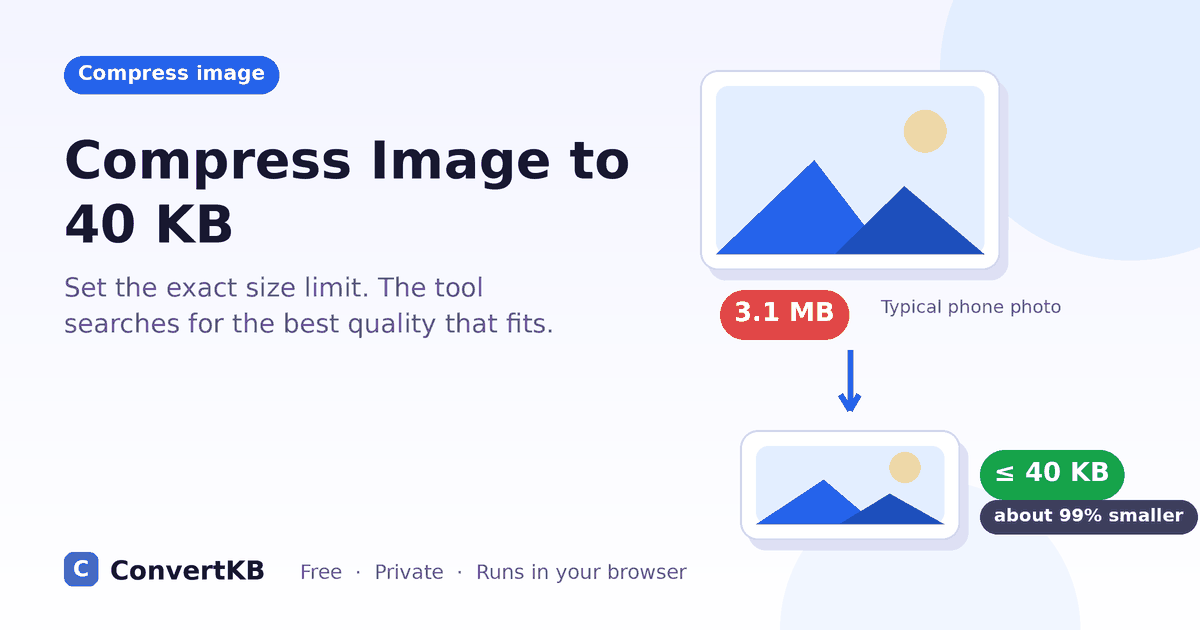
| Typical phone photo | 3.1 MB | about 99% smaller |
| Cropped passport photo | 650 KB | about 94% smaller |
| Scanned certificate (JPG) | 1.4 MB | about 97% smaller |
| Small web image | 120 KB | about 67% smaller |
Problems at 40 KB and how to avoid them
- Dark backgrounds in photos waste bytes; many portals want a plain light background anyway.
- Resizing after compressing re-encodes the image and can push it back over the limit. Resize and compress in one step.
Questions and answers
What is the best format for 40 KB?
JPG for photographs and signatures. WebP is smaller still but many government portals reject it.
Does the tool upload my photo?
No. All processing happens in your browser tab, and nothing is sent to a server.
Is my file uploaded anywhere?
No. Everything runs inside your browser tab using your own device. Nothing is sent to a ConvertKB server, and closing the tab clears the memory used.
Related tools
Nearby sizes and companion tools for the same job.
Compress Image to 30 KB
Compress an Image to under 30 KB for state board and scholarship portals. No upload, no signup.…
Compress Image to 50 KB
Compress an Image to under 50 KB for PAN, passport-style photos and many exam forms. No upload,…
Compress Image to 20 KB
Compress an Image to under 20 KB for SSC, IBPS and state exam signatures. No upload, no signup.…
Compress Image to 100 KB
Compress an Image to under 100 KB for marksheets, ID proofs and school forms. No upload, no…
Resize Image to 40 KB
Resize an Image to under 40 KB for job-application photos and certificates. Set exact pixels,…
Compress JPG to 40 KB
Compress a JPG to under 40 KB for job-application photos and certificates. Output uses a clean…
SSC Photo & Signature Resizer
Resize your SSC CGL, CHSL or MTS photo to 100×120 px (20–50 KB) and signature to 140×60 px…