Compress PNG to 40 KB
Compress your PNG so it stays under 40 KB, ready for job-application photos and certificates.
Signatures with a transparent background
Forms and documents sometimes need a signature as a transparent PNG so it can be placed over a printed line. At 40 KB a signature strip of about 630 × 320 pixels fits comfortably, with the transparent background intact.
Quality here is about the edge of the strokes. If you scan a signature with a grey background, the grey costs bytes and looks dirty on top of a document. Whiten or remove the paper first, then compress, and the file will be smaller and cleaner.
Example: a scanned signature turned transparent
A signature scan of 1200 × 500 pixels has a pale grey paper background that makes the PNG 180 KB. After whitening the paper and cutting the background out, the same signature on transparency is mostly empty pixels, and 40 KB is reached at about 630 × 320 pixels with sharp strokes. The empty areas are what make the saving possible.
What a 40 KB PNG can hold
At 40 KB, expect roughly 210 × 270 pixels for a plain portrait and 630 × 320 pixels for a signature or document with mostly white background, before quality has to drop noticeably.
| Pixel size | Bits per pixel you can spend | What that means for PNG |
|---|---|---|
| 300 × 400 | 2.67 | Moderate colour reduction (about 48 levels) |
| 600 × 800 | 0.67 | Needs very few colours or far smaller dimensions |
| 1200 × 1600 | 0.17 | Needs very few colours or far smaller dimensions |
| 2400 × 3200 | 0.04 | Needs very few colours or far smaller dimensions |
Tips for a 40 KB PNG
- Start from a high-contrast scan with dark ink on white paper.
- Remove the background before compressing if you need transparency.
- Check the result by placing it on a white and a coloured background.
Typical results at 40 KB
How much a file shrinks depends on where it starts. These examples show what a 40 KB limit means in practice:
| Starting file | Starting size | Result at 40 KB |
|---|---|---|
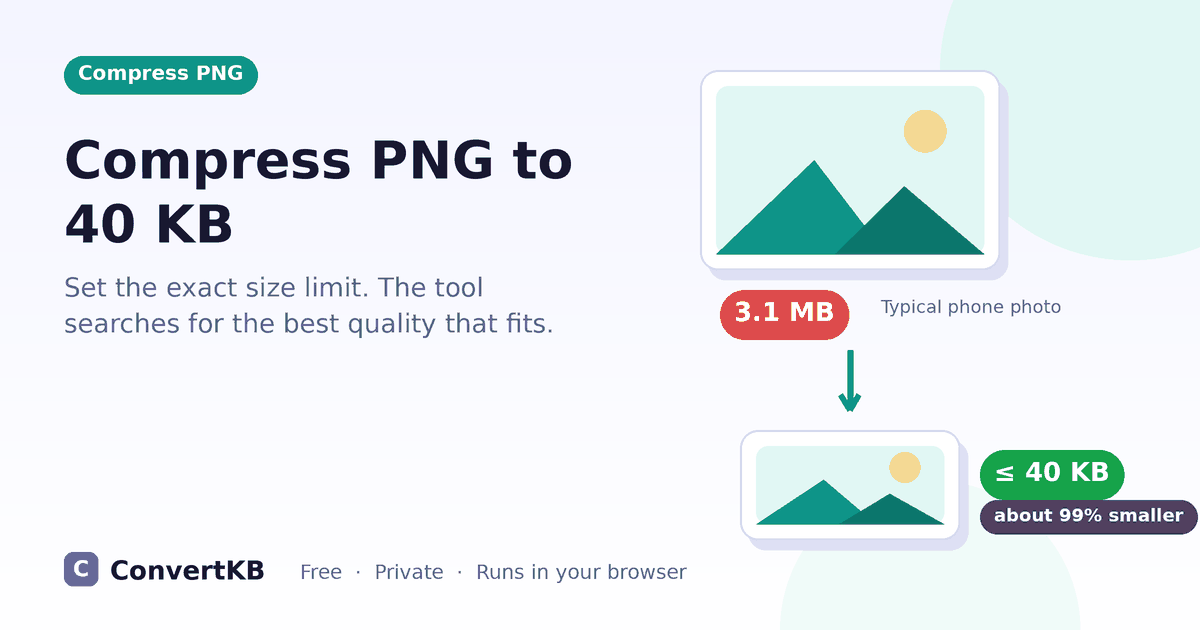
| Typical phone photo | 3.1 MB | about 99% smaller |
| Cropped passport photo | 650 KB | about 94% smaller |
| Scanned certificate (JPG) | 1.4 MB | about 97% smaller |
| Small web image | 120 KB | about 67% smaller |
Questions and answers
Will the signature stay transparent?
Yes. The alpha channel is kept; colours are reduced around it. Preview on a coloured background to be sure the edges are clean.
Is my file uploaded anywhere?
No. Everything runs inside your browser tab using your own device. Nothing is sent to a ConvertKB server, and closing the tab clears the memory used.
Related tools
Nearby sizes and companion tools for the same job.
Compress PNG to 30 KB
Compress a PNG to under 30 KB for state board and scholarship portals. Smart colour reduction…
Compress PNG to 50 KB
Compress a PNG to under 50 KB for PAN, passport-style photos and many exam forms. Smart colour…
Compress PNG to 20 KB
Compress a PNG to under 20 KB for SSC, IBPS and state exam signatures. Smart colour reduction…
Compress PNG to 100 KB
Compress a PNG to under 100 KB for marksheets, ID proofs and school forms. Smart colour…
Compress Image to 40 KB
Compress an Image to under 40 KB for job-application photos and certificates. No upload, no…
SSC Photo & Signature Resizer
Resize your SSC CGL, CHSL or MTS photo to 100×120 px (20–50 KB) and signature to 140×60 px…
Compress Image to 50 KB
Compress an Image to under 50 KB for PAN, passport-style photos and many exam forms. No upload,…