Compress Image to 30 KB
Compress your image so it stays under 30 KB, ready for state board and scholarship portals.
When you need a 30 KB Image
Works with JPG, PNG, WebP and HEIC photos from any phone or camera. These are the situations where a 30 KB limit usually appears:
- State scholarship and board-exam forms that ask for photos or signatures under 30 KB.
- Admit-card and hall-ticket photo replacements on university portals.
- Municipal and utility service forms with small attachment limits.
- Identity-proof thumbnails in HR onboarding tools.
What to expect at 30 KB
Thirty kilobytes gives noticeably more room than 20 KB. A passport-style photo at about 240 by 300 pixels or a clean scanned seal usually fits with no visible blockiness.
| Shape | Portrait photo | Document or signature | Detailed photo |
|---|---|---|---|
| Square 1:1 | 490 × 490 | 730 × 730 | 370 × 370 |
| Passport 3.5:4.5 | 430 × 560 | 640 × 830 | 320 × 410 |
| Landscape 4:3 | 570 × 420 | 840 × 630 | 420 × 320 |
| Signature 2:1 | 690 × 350 | 1030 × 520 | 520 × 260 |
A real example at 30 KB
A 240 × 300 pixel passport photo with a plain background normally compresses to 20 to 28 KB at around 70% JPEG quality, comfortably inside a 30 KB limit.
Getting the best 30 KB result
Set the maximum to 30 KB in the tool above, add your picture and run it; the result note reports the final size.
- For photos, a 3:4 crop, or the preset for your exam, avoids a second resize.
- Crop to the face and shoulders before compressing; at 30 KB every background pixel competes with the face for bytes.
Typical results at 30 KB
How much a file shrinks depends on where it starts. These examples show what a 30 KB limit means in practice:
| Starting file | Starting size | Result at 30 KB |
|---|---|---|
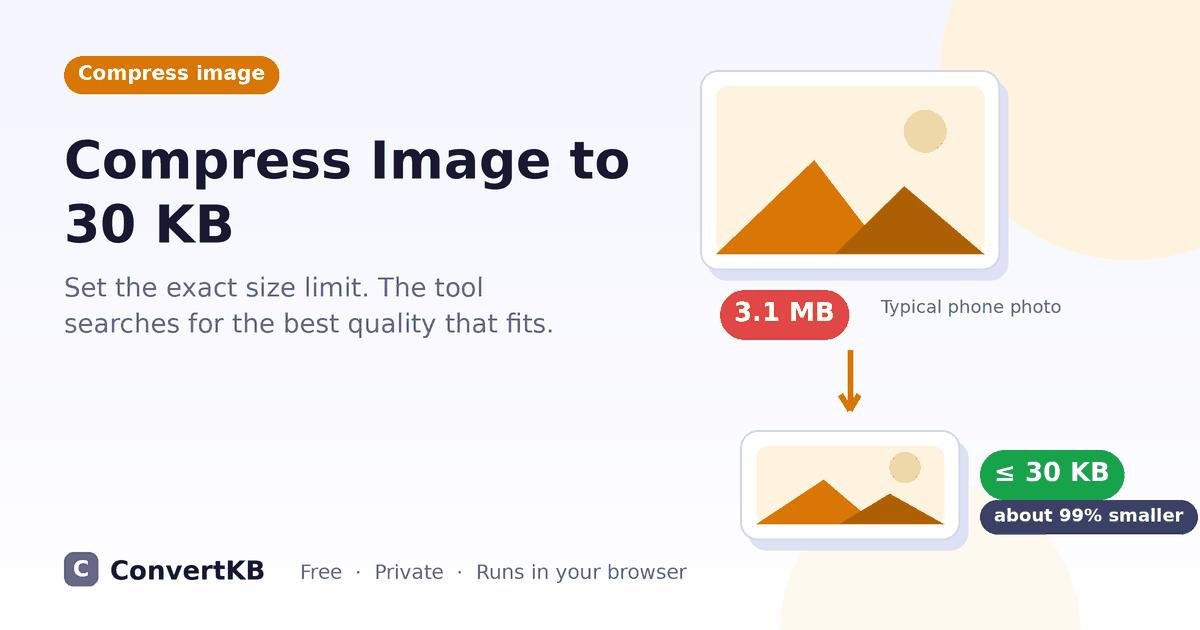
| Typical phone photo | 3.1 MB | about 99% smaller |
| Cropped passport photo | 650 KB | about 95% smaller |
| Scanned certificate (JPG) | 1.4 MB | about 98% smaller |
| Small web image | 120 KB | about 75% smaller |
Problems at 30 KB and how to avoid them
- Photos with patterned clothing or busy backgrounds cost far more than plain ones. Crop closer to the face.
- PNG output is almost never right at 30 KB. Choose JPG unless the portal demands PNG.
Questions and answers
Is 30 KB the same as 0.03 MB?
Roughly. 30 KB is about 0.029 MB in binary units and 0.03 MB in decimal units; the tool targets slightly under 30,000 bytes to be safe either way.
Can I compress a 5 MB phone photo to 30 KB?
Yes. The tool reduces quality first and then shrinks the pixel dimensions if needed, so even very large photos reach 30 KB.
Is my file uploaded anywhere?
No. Everything runs inside your browser tab using your own device. Nothing is sent to a ConvertKB server, and closing the tab clears the memory used.
Related tools
Nearby sizes and companion tools for the same job.
Compress Image to 20 KB
Compress an Image to under 20 KB for SSC, IBPS and state exam signatures. No upload, no signup.…
Compress Image to 40 KB
Compress an Image to under 40 KB for job-application photos and certificates. No upload, no…
Compress Image to 10 KB
Compress an Image to under 10 KB for tiny signature and thumbnail fields. No upload, no signup.…
Compress Image to 50 KB
Compress an Image to under 50 KB for PAN, passport-style photos and many exam forms. No upload,…
Resize Image to 30 KB
Resize an Image to under 30 KB for state board and scholarship portals. Set exact pixels, cm or…
Compress JPG to 30 KB
Compress a JPG to under 30 KB for state board and scholarship portals. Output uses a clean .jpg…