Compress PDF to 300 KB
Compress your PDF so it stays under 300 KB, ready for fifteen-page assignment or project submissions.
When you need a 300 KB PDF
Works with scanned and digital PDFs, including multi-page documents. These are the situations where a 300 KB limit usually appears:
- Fifteen-page assignment or project submissions.
- Government form packs requiring several attachments merged into one file.
- Academic certificates with multiple semesters.
- Property and legal document extracts.
What to expect at 300 KB
Three hundred kilobytes holds about ten to fifteen greyscale text pages at readable resolution, or six to eight colour pages.
| Pages kept | Budget per page | Black-and-white text scan | Colour photo scan |
|---|---|---|---|
| 1 page | 300 KB | 267 DPI (sharp) | 157 DPI (sharp) |
| 2 pages | 150 KB | 189 DPI (sharp) | 111 DPI (readable) |
| 4 pages | 75 KB | 133 DPI (readable) | 78 DPI (tight) |
| 8 pages | 38 KB | 94 DPI (tight) | 55 DPI (too soft) |
| 16 pages | 19 KB | 66 DPI (too soft) | 39 DPI (too soft) |
A real example at 300 KB
A fifteen-page assignment scanned in greyscale at about 110 DPI is typically 250 to 300 KB. Each added colour diagram costs roughly 20 to 30 KB.
Getting the best 300 KB result
Set the maximum to 300 KB in the tool above, add your PDF and run it; the result note reports the final size.
- Check text in the preview at normal zoom; if it is legible there, it will be legible to the portal.
- If you only need some pages, enter a range such as 1-5, 8 so the budget is not spent on unneeded pages.
Typical results at 300 KB
How much a file shrinks depends on where it starts. These examples show what a 300 KB limit means in practice:
| Starting file | Starting size | Result at 300 KB |
|---|---|---|
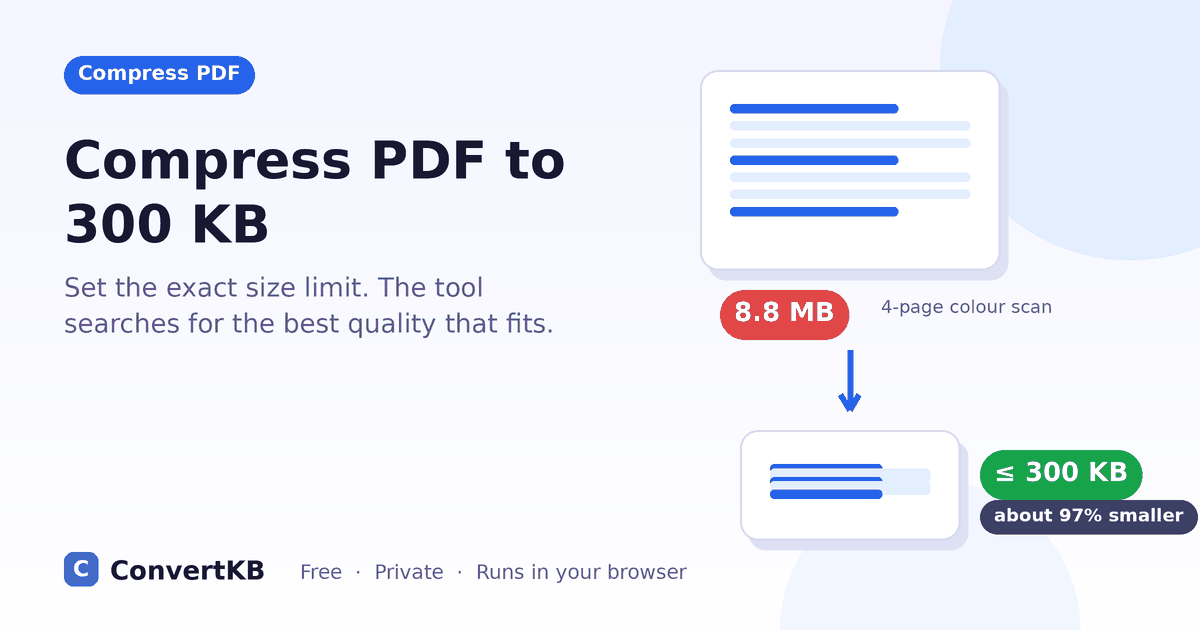
| Four-page colour scan | 8.8 MB | about 97% smaller |
| Two-page greyscale scan | 1.6 MB | about 81% smaller |
| Exported text document | 450 KB | about 33% smaller |
| Single signed page | 220 KB | already under the limit |
Problems at 300 KB and how to avoid them
- Mixing colour photo pages with text pages makes the file larger; convert photo pages separately if the portal allows.
- A 300 KB cap with a 20-page scan will force very low resolution; split into two uploads if possible.
Questions and answers
Is 300 KB a standard portal limit?
It appears on several university and exam portals. When your portal states a different number, use the matching size page.
Can I keep the text selectable?
Only if the PDF already contains real text and is small enough with the smart method. Scans are rebuilt as images.
Is my file uploaded anywhere?
No. Everything runs inside your browser tab using your own device. Nothing is sent to a ConvertKB server, and closing the tab clears the memory used.
Related tools
Nearby sizes and companion tools for the same job.
Compress PDF to 200 KB
Compress a PDF to under 200 KB for ten-page academic or research documents in greyscale. Keeps…
Compress PDF to 400 KB
Compress a PDF to under 400 KB for complete application bundles with ID, address and…
Compress PDF to 100 KB
Compress a PDF to under 100 KB for three to five page academic transcripts in greyscale. Keeps…
Compress PDF to 500 KB
Compress a PDF to under 500 KB for twenty to thirty page documents at readable greyscale…