Compress Image to 1 MB
Compress your image so it stays under 1 MB, ready for email attachments and general uploads.
When you need a 1 MB Image
Works with JPG, PNG, WebP and HEIC photos from any phone or camera. These are the situations where a 1 MB limit usually appears:
- Email attachments with 1 MB limits.
- High-quality photos for visa pre-screening and appointment forms.
- Website, blog and CMS uploads with a 1 MB cap.
- Design proofs and screenshots shared on messaging apps.
What to expect at 1 MB
One megabyte keeps photographs essentially sharp: about 1600 by 2000 pixels for a portrait. Most phone photos only need a mild reduction to fit.
| Shape | Portrait photo | Document or signature | Detailed photo |
|---|---|---|---|
| Square 1:1 | 2860 × 2860 | 4270 × 4270 | 2130 × 2130 |
| Passport 3.5:4.5 | 2520 × 3250 | 3760 × 4840 | 1880 × 2420 |
| Landscape 4:3 | 3300 × 2480 | 4930 × 3700 | 2460 × 1850 |
| Signature 2:1 | 4050 × 2020 | 6030 × 3020 | 3020 × 1510 |
A real example at 1 MB
A typical 12-megapixel phone photo shrinks from about 3 to 5 MB to 600 to 900 KB at 85% quality after a 1600 × 1200 resample, close to indistinguishable on screen.
Getting the best 1 MB result
Set the maximum to 1 MB in the tool above, add your picture and run it; the result note reports the final size.
- Because 1 MB is generous, the tool will keep high quality; no need to lower dimensions.
- For email, remember encoding adds about a third to the attachment size, so aim for 700 KB when a mail server caps at 1 MB.
Typical results at 1 MB
How much a file shrinks depends on where it starts. These examples show what a 1 MB limit means in practice:
| Starting file | Starting size | Result at 1 MB |
|---|---|---|
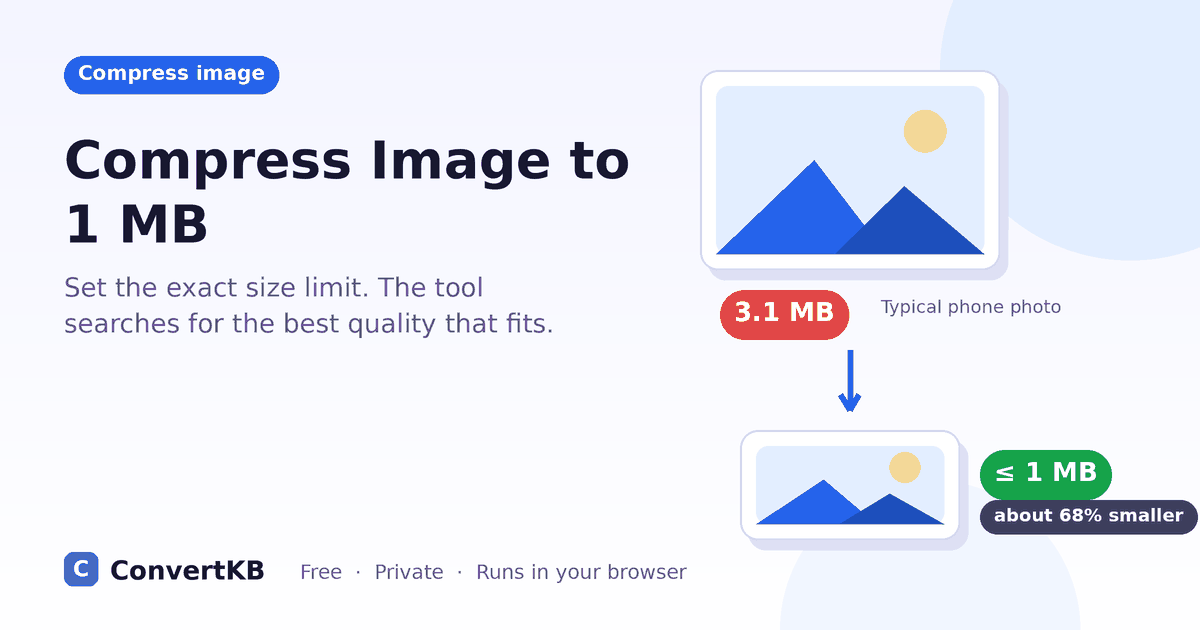
| Typical phone photo | 3.1 MB | about 68% smaller |
| Cropped passport photo | 650 KB | already under the limit |
| Scanned certificate (JPG) | 1.4 MB | about 27% smaller |
| Small web image | 120 KB | already under the limit |
Problems at 1 MB and how to avoid them
- Confusing MB and KB: set the unit to MB or enter 1024 KB.
- Do not re-compress the same file multiple times to hit 1 MB; start from the original.
Questions and answers
How much is 1 MB in KB?
1 MB is 1024 KB in binary units (1000 KB in decimal). The tool targets just under 1,000,000 bytes to satisfy both.
Will my phone photo be noticeably worse at 1 MB?
Usually not. Phone photos of 3 to 8 MB reduce to under 1 MB with little visible change on screens.
Is my file uploaded anywhere?
No. Everything runs inside your browser tab using your own device. Nothing is sent to a ConvertKB server, and closing the tab clears the memory used.
Related tools
Nearby sizes and companion tools for the same job.
Compress Image to 500 KB
Compress an Image to under 500 KB for high-quality scans and longer reports. No upload, no…
Compress Image to 200 KB
Compress an Image to under 200 KB for NEET-style photos and multi-page documents. No upload, no…
Resize Image to 1 MB
Resize an Image to under 1 MB for email attachments and general uploads. Set exact pixels, cm…
Compress PDF to 2 MB
Compress a PDF to under 2 MB for long reports, theses and portfolios with diagrams. Keeps text…