Compress PDF to 50 KB
Compress your PDF so it stays under 50 KB, ready for two or three scanned pages of identity or address proof.
When you need a 50 KB PDF
Works with scanned and digital PDFs, including multi-page documents. These are the situations where a 50 KB limit usually appears:
- Two or three scanned pages of identity or address proof.
- One-page résumés and short cover letters.
- Fee receipts and payment screenshots turned into a single PDF.
- Previous-year marks cards for admission portals that limit uploads to 50 KB.
What to expect at 50 KB
Fifty kilobytes holds two to three greyscale text pages at readable resolution, or one colour page with a photograph. This is the most commonly requested PDF limit for form uploads.
| Pages kept | Budget per page | Black-and-white text scan | Colour photo scan |
|---|---|---|---|
| 1 page | 50 KB | 108 DPI (readable) | 64 DPI (too soft) |
| 2 pages | 25 KB | 76 DPI (tight) | 45 DPI (too soft) |
| 4 pages | 13 KB | 53 DPI (too soft) | 31 DPI (too soft) |
| 8 pages | 6.3 KB | 36 DPI (too soft) | 21 DPI (too soft) |
| 16 pages | 3.1 KB | 24 DPI (too soft) | 14 DPI (too soft) |
A real example at 50 KB
Three greyscale A4 pages at 105 DPI come to roughly 40 to 50 KB, while the same pages in colour need about double.
Getting the best 50 KB result
Set the maximum to 50 KB in the tool above, add your PDF and run it; the result note reports the final size.
- Use the page-range box to keep only the pages the portal needs; fewer pages mean more bytes per page.
- Scan ID cards in greyscale and place both sides on one page when a single file is required.
Typical results at 50 KB
How much a file shrinks depends on where it starts. These examples show what a 50 KB limit means in practice:
| Starting file | Starting size | Result at 50 KB |
|---|---|---|
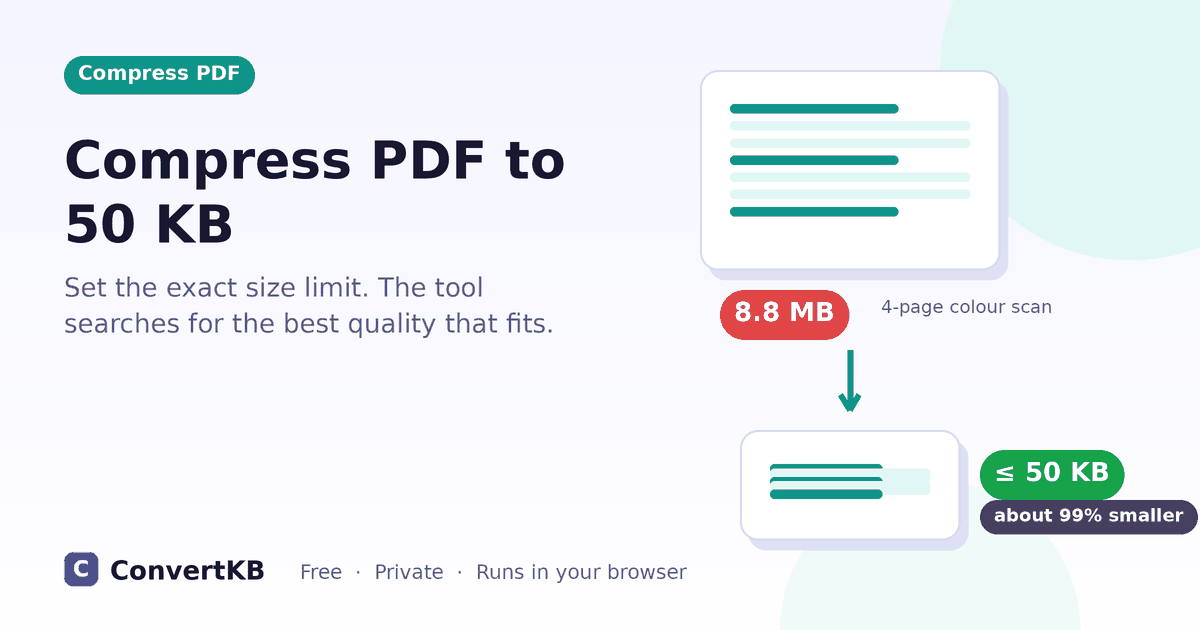
| Four-page colour scan | 8.8 MB | about 99% smaller |
| Two-page greyscale scan | 1.6 MB | about 97% smaller |
| Exported text document | 450 KB | about 89% smaller |
| Single signed page | 220 KB | about 77% smaller |
Problems at 50 KB and how to avoid them
- Two or three colour pages cannot fit 50 KB at a readable resolution; switch to greyscale or fewer pages.
- Scanning at 600 DPI creates a huge file; the tool downsamples, but a 200 DPI scan is faster to process.
Questions and answers
How can I keep a three-page PDF under 50 KB?
Use greyscale, keep only the needed pages, and let the tool pick the resolution. It will report the final size and approximate DPI.
Is my file uploaded anywhere?
No. Everything runs inside your browser tab using your own device. Nothing is sent to a ConvertKB server, and closing the tab clears the memory used.
Related tools
Nearby sizes and companion tools for the same job.
Compress PDF to 20 KB
Compress a PDF to under 20 KB for a one-page ID proof such as an Aadhaar or PAN photocopy for…
Compress PDF to 100 KB
Compress a PDF to under 100 KB for three to five page academic transcripts in greyscale. Keeps…
Compress PDF to 200 KB
Compress a PDF to under 200 KB for ten-page academic or research documents in greyscale. Keeps…
Resize PDF to 50 KB
Resize a PDF to under 50 KB for two or three scanned pages of identity or address proof. Pages…
PAN Card Photo Resizer
Resize and compress a PAN card photo to the commonly requested size: 213×213 px or 2.5×3.5 cm,…
SSC Photo & Signature Resizer
Resize your SSC CGL, CHSL or MTS photo to 100×120 px (20–50 KB) and signature to 140×60 px…
IBPS Photo & Signature Resizer
Resize IBPS PO, Clerk and RRB uploads: photo 200×230 px, signature 140×60 px, left thumb…