Compress PNG to 20 KB
Compress your PNG so it stays under 20 KB, ready for SSC, IBPS and state exam signatures.
Icons and small logos at 20 KB
A PNG limit of 20 KB suits small logos, avatars and interface icons. A portrait-shaped photograph can only keep about 150 × 190 pixels, while a flat signature or wordmark fits near 450 × 220.
Colour reduction does most of the work here. Flat artwork with a handful of colours can drop to a 16-colour palette with no visible change, whereas a photograph turns into posterised patches, which is why graphics and photographs behave so differently.
Example: a company logo for an online form
A company logo of 600 × 300 pixels on a transparent background starts at 64 KB. Because it uses only a few solid colours, reducing to a small palette brings it to about 15 to 19 KB. The transparent corners are kept. If the logo has a soft drop shadow, expect the shadow to band, and consider removing it before compressing.
What a 20 KB PNG can hold
At 20 KB, expect roughly 150 × 190 pixels for a plain portrait and 450 × 220 pixels for a signature or document with mostly white background, before quality has to drop noticeably.
| Pixel size | Bits per pixel you can spend | What that means for PNG |
|---|---|---|
| 300 × 400 | 1.33 | Heavy colour reduction (about 16 levels) |
| 600 × 800 | 0.33 | Needs very few colours or far smaller dimensions |
| 1200 × 1600 | 0.08 | Needs very few colours or far smaller dimensions |
| 2400 × 3200 | 0.02 | Needs very few colours or far smaller dimensions |
Tips for a 20 KB PNG
- Export logos at the exact size they will be shown; extra pixels are wasted bytes.
- Remove soft shadows and gradients when the form allows it.
- Keep a copy of the full-size original for printing.
Typical results at 20 KB
How much a file shrinks depends on where it starts. These examples show what a 20 KB limit means in practice:
| Starting file | Starting size | Result at 20 KB |
|---|---|---|
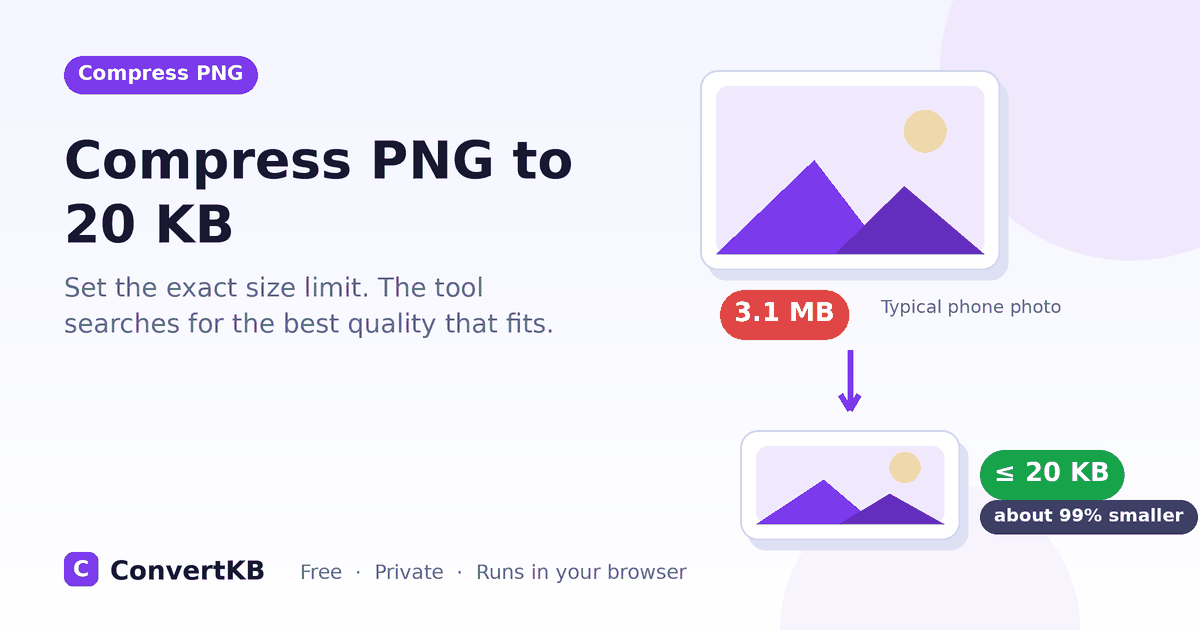
| Typical phone photo | 3.1 MB | about 99% smaller |
| Cropped passport photo | 650 KB | about 97% smaller |
| Scanned certificate (JPG) | 1.4 MB | about 99% smaller |
| Small web image | 120 KB | about 83% smaller |
Questions and answers
Does compression remove transparency?
No. Transparent areas are kept. Only the colours and, if needed, the dimensions are reduced.
Is my file uploaded anywhere?
No. Everything runs inside your browser tab using your own device. Nothing is sent to a ConvertKB server, and closing the tab clears the memory used.
Related tools
Nearby sizes and companion tools for the same job.
Compress PNG to 10 KB
Compress a PNG to under 10 KB for tiny signature and thumbnail fields. Smart colour reduction…
Compress PNG to 30 KB
Compress a PNG to under 30 KB for state board and scholarship portals. Smart colour reduction…
Compress PNG to 40 KB
Compress a PNG to under 40 KB for job-application photos and certificates. Smart colour…
Compress Image to 20 KB
Compress an Image to under 20 KB for SSC, IBPS and state exam signatures. No upload, no signup.…
SSC Photo & Signature Resizer
Resize your SSC CGL, CHSL or MTS photo to 100×120 px (20–50 KB) and signature to 140×60 px…
IBPS Photo & Signature Resizer
Resize IBPS PO, Clerk and RRB uploads: photo 200×230 px, signature 140×60 px, left thumb…
Signature Resizer
Resize a scanned or photographed signature to exact pixel sizes and KB limits: 140×60, 300×100…