Compress Image to 50 KB
Compress your image so it stays under 50 KB, ready for PAN, passport-style photos and many exam forms.
When you need a 50 KB Image
Works with JPG, PNG, WebP and HEIC photos from any phone or camera. These are the situations where a 50 KB limit usually appears:
- PAN card and e-PAN application photographs and signatures, which are commonly capped near 50 KB.
- SSC, railway and bank exam photographs with a 20 to 50 KB window.
- University admission forms that restrict each uploaded image to 50 KB.
- Driving licence and RTO online forms with 50 KB photo limits.
What to expect at 50 KB
Fifty kilobytes is a comfortable size for a well-framed portrait: expect around 350 by 450 pixels at good quality, with clean skin tones and readable text on a document photo.
| Shape | Portrait photo | Document or signature | Detailed photo |
|---|---|---|---|
| Square 1:1 | 630 × 630 | 940 × 940 | 470 × 470 |
| Passport 3.5:4.5 | 560 × 720 | 830 × 1070 | 420 × 530 |
| Landscape 4:3 | 730 × 550 | 1090 × 820 | 540 × 410 |
| Signature 2:1 | 890 × 450 | 1330 × 670 | 670 × 330 |
A real example at 50 KB
A 350 × 450 pixel photo for a PAN or exam form usually reaches 35 to 48 KB at about 70% quality. If your source is a 4 MB phone picture, the tool will first crop, then resample, and finally tune quality.
Getting the best 50 KB result
Set the maximum to 50 KB in the tool above, add your picture and run it; the result note reports the final size.
- Use the PAN or SSC preset on the matching exam page to set pixel dimensions, DPI and size range in one click.
- Check the preview at 100% zoom before uploading; if a face looks soft, crop tighter rather than lowering the size limit.
Typical results at 50 KB
How much a file shrinks depends on where it starts. These examples show what a 50 KB limit means in practice:
| Starting file | Starting size | Result at 50 KB |
|---|---|---|
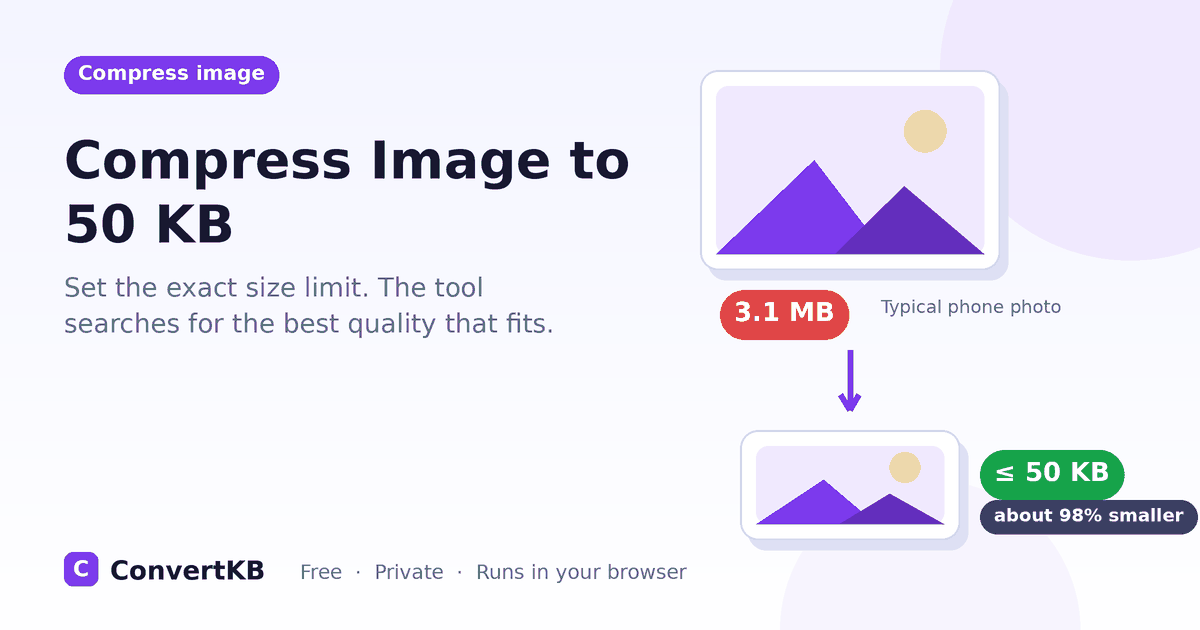
| Typical phone photo | 3.1 MB | about 98% smaller |
| Cropped passport photo | 650 KB | about 92% smaller |
| Scanned certificate (JPG) | 1.4 MB | about 96% smaller |
| Small web image | 120 KB | about 58% smaller |
Problems at 50 KB and how to avoid them
- A 50 KB limit does not mean the photo can be any dimension. Portals often also fix pixel size; set both.
- Saving the result as PNG can make it several times larger. Keep JPG for photos.
Questions and answers
How do I compress an image to exactly 50 KB?
Set the maximum to 50 KB. The tool finds the highest quality that fits, so the result is just under the limit rather than exactly equal. If a minimum applies, set it and tick padding.
Will a 50 KB photo be accepted for a passport form?
Passport and visa portals usually require larger, sharper files; use the dedicated passport or US visa pages for those.
Is my file uploaded anywhere?
No. Everything runs inside your browser tab using your own device. Nothing is sent to a ConvertKB server, and closing the tab clears the memory used.
Related tools
Nearby sizes and companion tools for the same job.
Compress Image to 40 KB
Compress an Image to under 40 KB for job-application photos and certificates. No upload, no…
Compress Image to 100 KB
Compress an Image to under 100 KB for marksheets, ID proofs and school forms. No upload, no…
Compress Image to 30 KB
Compress an Image to under 30 KB for state board and scholarship portals. No upload, no signup.…
Compress Image to 150 KB
Compress an Image to under 150 KB for sharper ID scans and university uploads. No upload, no…
Resize Image to 50 KB
Resize an Image to under 50 KB for PAN, passport-style photos and many exam forms. Set exact…
Compress JPG to 50 KB
Compress a JPG to under 50 KB for PAN, passport-style photos and many exam forms. Output uses a…
PAN Card Photo Resizer
Resize and compress a PAN card photo to the commonly requested size: 213×213 px or 2.5×3.5 cm,…
SSC Photo & Signature Resizer
Resize your SSC CGL, CHSL or MTS photo to 100×120 px (20–50 KB) and signature to 140×60 px…