Compress Image to 20 KB
Compress your image so it stays under 20 KB, ready for SSC, IBPS and state exam signatures.
When you need a 20 KB Image
Works with JPG, PNG, WebP and HEIC photos from any phone or camera. These are the situations where a 20 KB limit usually appears:
- SSC and IBPS candidate signature fields, which commonly sit between 10 and 20 KB.
- Compact passport-style photos on exam forms that cap photos at 20 KB.
- Online job-portal profile pictures with a 20 KB ceiling.
- Bank KYC and account-opening forms that limit each attachment to 20 KB.
What to expect at 20 KB
Twenty kilobytes holds a clear signature or a small head-and-shoulders photo. Expect a photo to land around 120 by 150 pixels or a little larger, which is the size many exam portals actually ask for.
| Shape | Portrait photo | Document or signature | Detailed photo |
|---|---|---|---|
| Square 1:1 | 400 × 400 | 600 × 600 | 300 × 300 |
| Passport 3.5:4.5 | 350 × 450 | 530 × 680 | 260 × 340 |
| Landscape 4:3 | 460 × 350 | 690 × 520 | 340 × 260 |
| Signature 2:1 | 570 × 280 | 840 × 420 | 420 × 210 |
A real example at 20 KB
A 140 × 60 pixel signature usually weighs 3 to 6 KB, which is why portals can ask for 10–20 KB and still get a clear image. A 200 × 230 pixel portrait of a face on a plain wall typically needs 14 to 19 KB.
Getting the best 20 KB result
Set the maximum to 20 KB in the tool above, add your picture and run it; the result note reports the final size.
- If a portal gives both a minimum and a maximum, set the minimum field too. The tool can pad a JPG up to the minimum without changing how it looks.
- Photograph signatures straight-on; a skewed photo needs more pixels to keep the same readable width.
Typical results at 20 KB
How much a file shrinks depends on where it starts. These examples show what a 20 KB limit means in practice:
| Starting file | Starting size | Result at 20 KB |
|---|---|---|
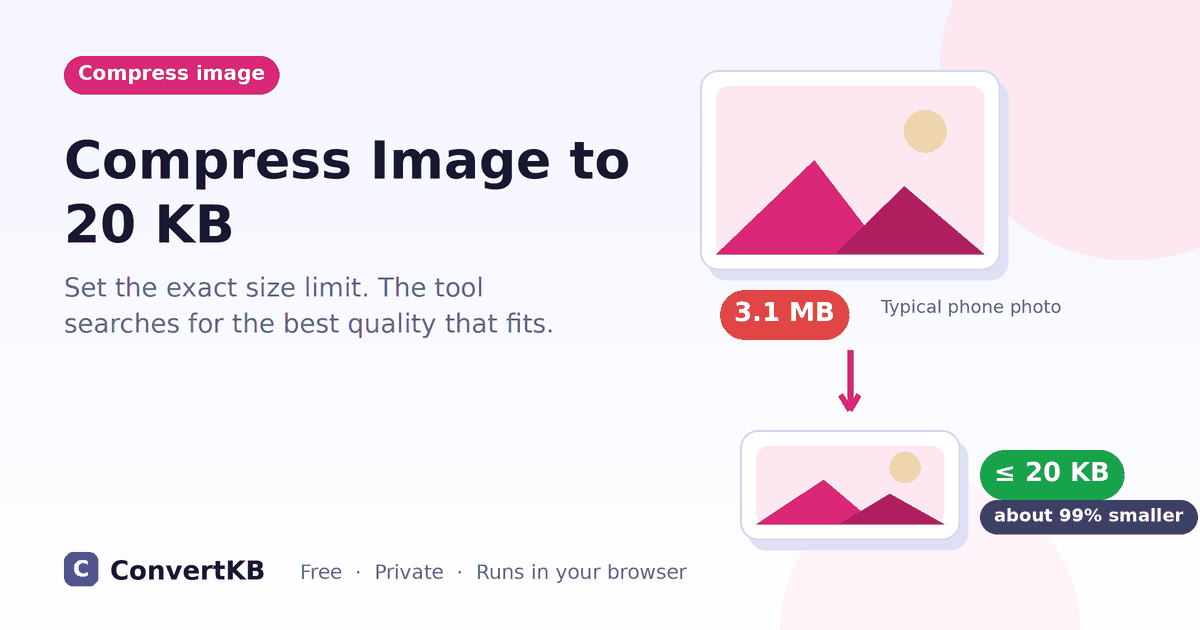
| Typical phone photo | 3.1 MB | about 99% smaller |
| Cropped passport photo | 650 KB | about 97% smaller |
| Scanned certificate (JPG) | 1.4 MB | about 99% smaller |
| Small web image | 120 KB | about 83% smaller |
Problems at 20 KB and how to avoid them
- Setting a 20 KB target on an image that must also be exactly 140 by 60 pixels can conflict. Set the dimensions first and let the tool fit the file size.
- Re-saving an already compressed JPG repeatedly adds blocky artefacts. Start from the original photo.
Questions and answers
What dimensions fit in 20 KB?
A plain signature of 140 by 60 pixels is far below 20 KB. A portrait photo of about 200 by 230 pixels usually fits at good quality.
Why does the tool aim slightly under 20 KB?
Some portals count 1 KB as 1000 bytes and others as 1024. Aiming just under 20,000 bytes passes both.
Is my file uploaded anywhere?
No. Everything runs inside your browser tab using your own device. Nothing is sent to a ConvertKB server, and closing the tab clears the memory used.
Related tools
Nearby sizes and companion tools for the same job.
Compress Image to 10 KB
Compress an Image to under 10 KB for tiny signature and thumbnail fields. No upload, no signup.…
Compress Image to 30 KB
Compress an Image to under 30 KB for state board and scholarship portals. No upload, no signup.…
Compress Image to 40 KB
Compress an Image to under 40 KB for job-application photos and certificates. No upload, no…
Resize Image to 20 KB
Resize an Image to under 20 KB for SSC, IBPS and state exam signatures. Set exact pixels, cm or…
Compress JPG to 20 KB
Compress a JPG to under 20 KB for SSC, IBPS and state exam signatures. Output uses a clean .jpg…
SSC Photo & Signature Resizer
Resize your SSC CGL, CHSL or MTS photo to 100×120 px (20–50 KB) and signature to 140×60 px…
IBPS Photo & Signature Resizer
Resize IBPS PO, Clerk and RRB uploads: photo 200×230 px, signature 140×60 px, left thumb…
Signature Resizer
Resize a scanned or photographed signature to exact pixel sizes and KB limits: 140×60, 300×100…