Compress Image to 500 KB
Compress your image so it stays under 500 KB, ready for high-quality scans and longer reports.
When you need a 500 KB Image
Works with JPG, PNG, WebP and HEIC photos from any phone or camera. These are the situations where a 500 KB limit usually appears:
- Large form-field photographs for banking and insurance portals.
- High-detail document photos where small text must stay readable.
- Product photos for marketplace listings with a half-megabyte cap.
- Image attachments for email systems with strict size filters.
What to expect at 500 KB
Half a megabyte preserves detail well: about 1200 by 1600 pixels for a portrait, and crisp text on photographed documents.
| Shape | Portrait photo | Document or signature | Detailed photo |
|---|---|---|---|
| Square 1:1 | 2000 × 2000 | 2980 × 2980 | 1490 × 1490 |
| Passport 3.5:4.5 | 1760 × 2270 | 2630 × 3380 | 1310 × 1690 |
| Landscape 4:3 | 2310 × 1730 | 3440 × 2580 | 1720 × 1290 |
| Signature 2:1 | 2830 × 1410 | 4220 × 2110 | 2110 × 1050 |
A real example at 500 KB
A 1200 × 1600 pixel photographed form at 85% quality averages 300 to 450 KB, so a 500 KB limit rarely forces any shrinking beyond the original crop.
Getting the best 500 KB result
Set the maximum to 500 KB in the tool above, add your picture and run it; the result note reports the final size.
- Choose the dimensions you actually need first; at 500 KB the tool seldom has to lower quality, so pixel count is the main decision.
- For documents photographed on a phone, crop to the page edge so that the paper fills the frame.
Typical results at 500 KB
How much a file shrinks depends on where it starts. These examples show what a 500 KB limit means in practice:
| Starting file | Starting size | Result at 500 KB |
|---|---|---|
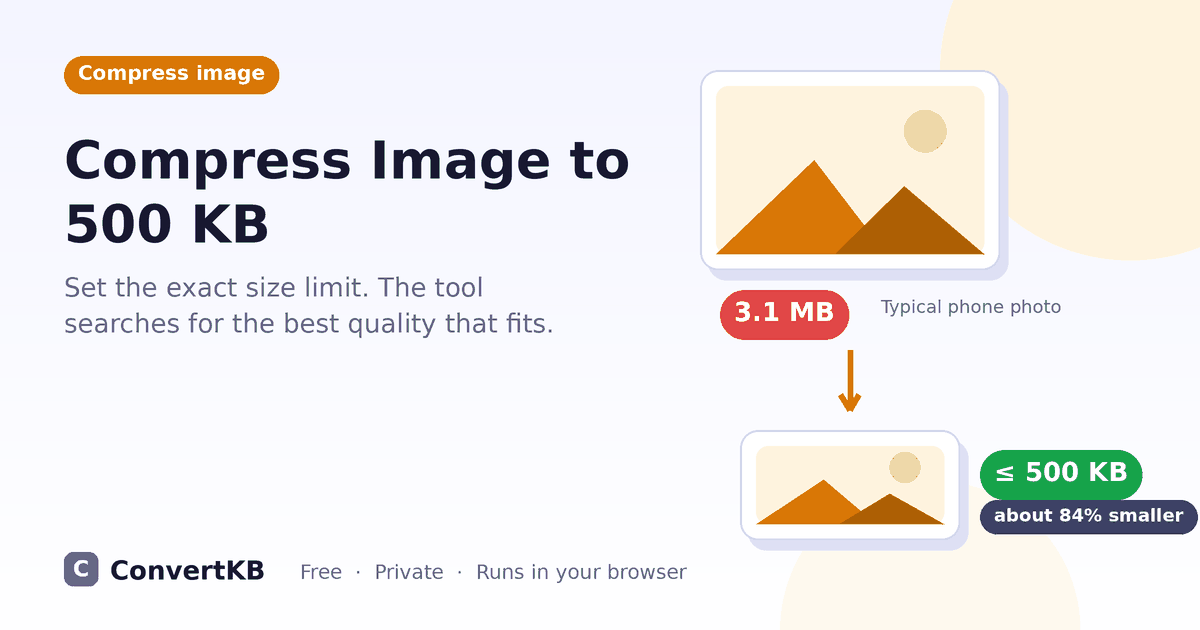
| Typical phone photo | 3.1 MB | about 84% smaller |
| Cropped passport photo | 650 KB | about 23% smaller |
| Scanned certificate (JPG) | 1.4 MB | about 64% smaller |
| Small web image | 120 KB | already under the limit |
Problems at 500 KB and how to avoid them
- Keeping a 12-megapixel original when the form shows the picture at 1000 pixels wastes bytes without adding visible detail.
- Sharpening before compression creates halos that grow when the image is encoded again.
Questions and answers
Is 500 KB too large for a photo on a government portal?
Many portals cap photos far lower, around 20 to 200 KB. Use 500 KB only when your form says so.
Does compression change colours?
JPG compression can slightly shift fine colour detail, but at 500 KB the difference is rarely visible.
Is my file uploaded anywhere?
No. Everything runs inside your browser tab using your own device. Nothing is sent to a ConvertKB server, and closing the tab clears the memory used.
Related tools
Nearby sizes and companion tools for the same job.
Compress Image to 200 KB
Compress an Image to under 200 KB for NEET-style photos and multi-page documents. No upload, no…
Compress Image to 1 MB
Compress an Image to under 1 MB for email attachments and general uploads. No upload, no…
Compress Image to 150 KB
Compress an Image to under 150 KB for sharper ID scans and university uploads. No upload, no…
Resize Image to 500 KB
Resize an Image to under 500 KB for high-quality scans and longer reports. Set exact pixels, cm…
Compress JPG to 500 KB
Compress a JPG to under 500 KB for high-quality scans and longer reports. Output uses a clean…
Compress PDF to 1 MB
Compress a PDF to under 1 MB for full application packs and scanned booklets. Keeps text when…