Compress JPG to 100 KB
Compress your JPG so it stays under 100 KB, ready for marksheets, ID proofs and school forms.
KYC and admission scans at 100 KB
At 100 KB a JPG can carry about 790 × 1010 pixels of a portrait and a document scan around 1890 × 940. That is enough resolution to read printed numbers on an identity card, which is the thing KYC reviewers check.
Before uploading, open the result at 100% zoom and read the smallest text on the card: a number, a date of birth or a stamp. If you can read it, the portal reviewer usually can; if not, reduce the dimensions slightly and avoid lower quality.
Example: an identity card photographed for KYC
A card photographed flat on a table gives a 2.2 MB file of 3000 × 2000 pixels. After cropping to the card edge and setting 100 KB, expect about 1200 to 1500 pixels across with numbers still readable. If a digit looks soft when you zoom in, retake the photo closer rather than lowering the limit, since a closer shot puts more pixels on the card.
What a 100 KB JPG can hold
At 100 KB, expect roughly 790 × 1010 pixels for a plain portrait and 1890 × 940 pixels for a signature or document with mostly white background, before quality has to drop noticeably.
| Pixel size | Bits per pixel you can spend | What that means for JPG |
|---|---|---|
| 300 × 400 | 6.67 | Near-original quality |
| 600 × 800 | 1.67 | High quality |
| 1200 × 1600 | 0.42 | Heavy compression, visible softness |
| 2400 × 3200 | 0.10 | Blocky: shrink the dimensions instead |
Tips for a 100 KB JPG
- Photograph both sides of a card separately if the form allows two files.
- Place the document on a dark surface so the edges are easy to crop.
- Avoid flash, which creates a bright patch over the numbers.
Typical results at 100 KB
How much a file shrinks depends on where it starts. These examples show what a 100 KB limit means in practice:
| Starting file | Starting size | Result at 100 KB |
|---|---|---|
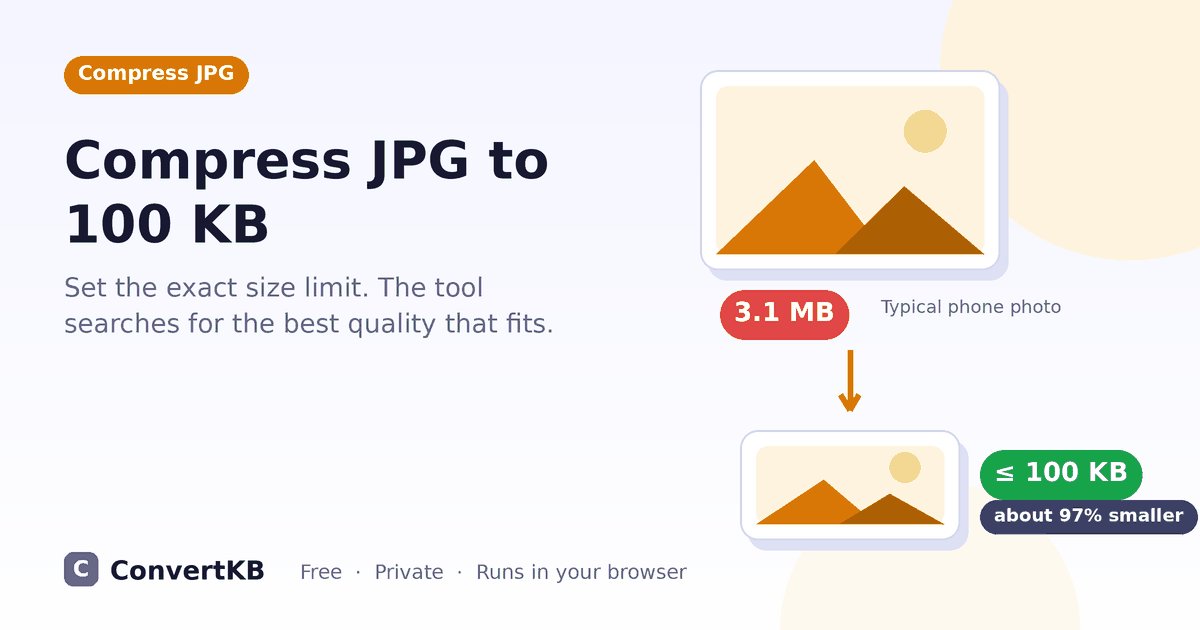
| Typical phone photo | 3.1 MB | about 97% smaller |
| Cropped passport photo | 650 KB | about 85% smaller |
| Scanned certificate (JPG) | 1.4 MB | about 93% smaller |
| Small web image | 120 KB | about 17% smaller |
Questions and answers
Can I keep colour at 100 KB?
Yes for most cards and photographs. Colour is only a problem for full A4 pages with large coloured areas, which may need the 150 or 200 KB size.
Is my file uploaded anywhere?
No. Everything runs inside your browser tab using your own device. Nothing is sent to a ConvertKB server, and closing the tab clears the memory used.
Related tools
Nearby sizes and companion tools for the same job.
Compress JPG to 50 KB
Compress a JPG to under 50 KB for PAN, passport-style photos and many exam forms. Output uses a…
Compress JPG to 150 KB
Compress a JPG to under 150 KB for sharper ID scans and university uploads. Output uses a clean…
Compress JPG to 40 KB
Compress a JPG to under 40 KB for job-application photos and certificates. Output uses a clean…
Compress JPG to 200 KB
Compress a JPG to under 200 KB for NEET-style photos and multi-page documents. Output uses a…
Compress Image to 100 KB
Compress an Image to under 100 KB for marksheets, ID proofs and school forms. No upload, no…
Compress PDF to 200 KB
Compress a PDF to under 200 KB for ten-page academic or research documents in greyscale. Keeps…
Compress Image to 200 KB
Compress an Image to under 200 KB for NEET-style photos and multi-page documents. No upload, no…