Compress JPG to 200 KB
Compress your JPG so it stays under 200 KB, ready for NEET-style photos and multi-page documents.
A 200 KB JPG for photographs that must look good
At 200 KB a portrait can keep around 1120 × 1430 pixels, comfortably larger than a passport-style box, and a landscape photo about 1090 × 820. This is the size most national exam portals use when they want a face that can be examined closely.
Because the tool has room to spare, quality rarely drops below the mid-70s percent. Your main decisions are the crop and the dimensions: a head that fills about three quarters of the frame is more useful to a reviewer than extra background.
Example: a passport-style photo for an exam portal
A well-lit 2.5 MB portrait is cropped to about 1500 × 1900 pixels and fitted to 200 KB. With this budget the tool usually keeps quality around 80 percent and reduces dimensions only slightly, giving something like 1100 × 1400 pixels at 190 to 199 KB. Because there is headroom, you can raise the minimum if the portal needs one.
What a 200 KB JPG can hold
At 200 KB, expect roughly 1120 × 1430 pixels for a plain portrait and 2670 × 1330 pixels for a signature or document with mostly white background, before quality has to drop noticeably.
| Pixel size | Bits per pixel you can spend | What that means for JPG |
|---|---|---|
| 300 × 400 | 13.33 | Near-original quality |
| 600 × 800 | 3.33 | Near-original quality |
| 1200 × 1600 | 0.83 | Moderate: fine for ID-style photos |
| 2400 × 3200 | 0.21 | Blocky: shrink the dimensions instead |
Tips for a 200 KB JPG
- Use the exam-specific pages when you need an exact pixel size inside the 200 KB limit.
- Keep the face centred with the eyes about a third of the way down.
- If a minimum size also applies, tick padding rather than adding noise.
Typical results at 200 KB
How much a file shrinks depends on where it starts. These examples show what a 200 KB limit means in practice:
| Starting file | Starting size | Result at 200 KB |
|---|---|---|
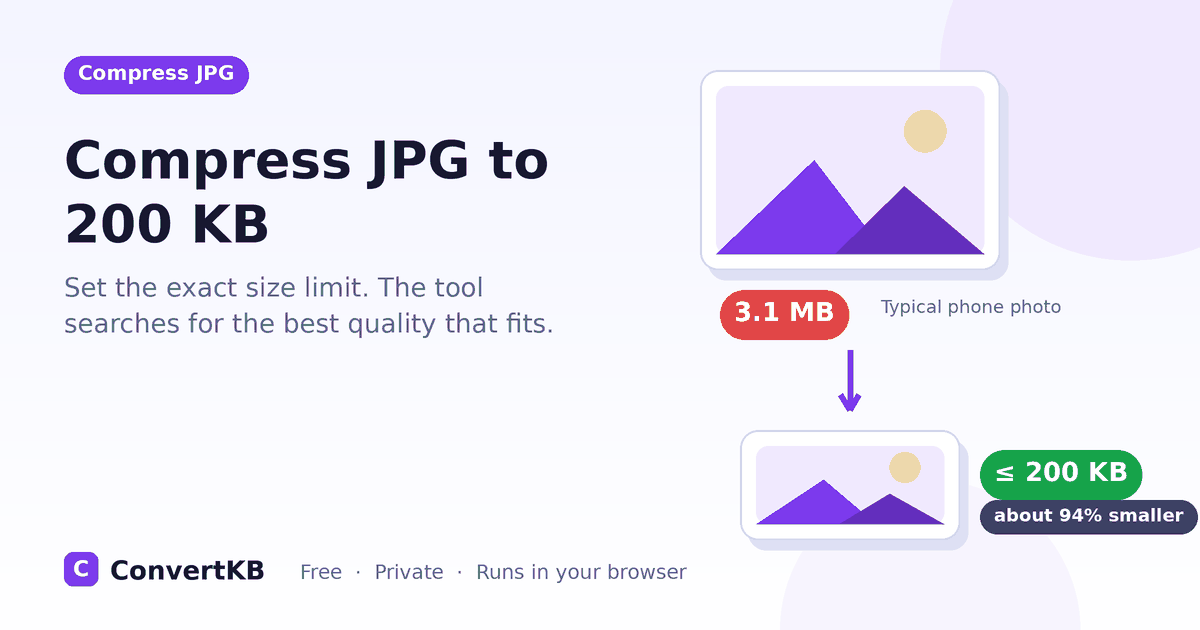
| Typical phone photo | 3.1 MB | about 94% smaller |
| Cropped passport photo | 650 KB | about 69% smaller |
| Scanned certificate (JPG) | 1.4 MB | about 86% smaller |
| Small web image | 120 KB | already under the limit |
Questions and answers
Why is my 200 KB limit result much smaller?
A clean image may fit with room to spare. The tool stops at the highest sensible quality, so small results mean your photo did not need more.
Is my file uploaded anywhere?
No. Everything runs inside your browser tab using your own device. Nothing is sent to a ConvertKB server, and closing the tab clears the memory used.
Related tools
Nearby sizes and companion tools for the same job.
Compress JPG to 150 KB
Compress a JPG to under 150 KB for sharper ID scans and university uploads. Output uses a clean…
Compress JPG to 500 KB
Compress a JPG to under 500 KB for high-quality scans and longer reports. Output uses a clean…
Compress JPG to 100 KB
Compress a JPG to under 100 KB for marksheets, ID proofs and school forms. Output uses a clean…
Compress Image to 200 KB
Compress an Image to under 200 KB for NEET-style photos and multi-page documents. No upload, no…
NEET Photo & Signature Resizer
Resize your NEET UG photo (10–200 KB), postcard photo, signature (4–30 KB) and left thumb…
Passport Photo Size Resizer
Resize a photo to passport size: 35×45 mm, 2×2 inch or 50×70 mm. Crop to the correct ratio, set…