Compress JPG to 30 KB
Compress your JPG so it stays under 30 KB, ready for state board and scholarship portals.
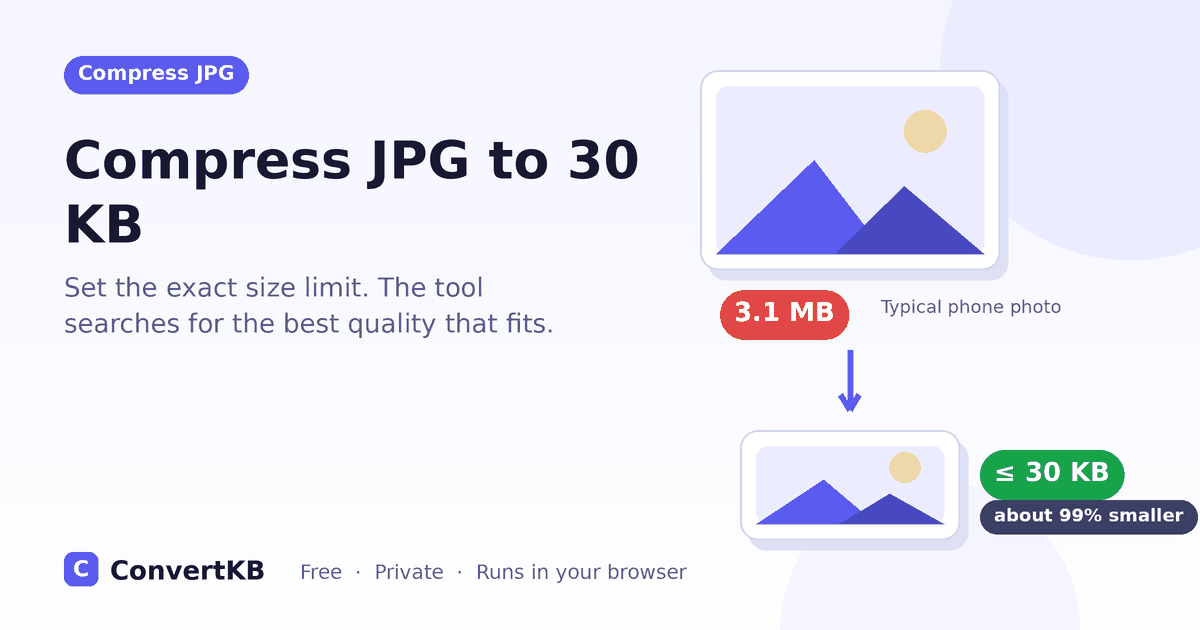
Preparing a JPG for a 30 KB limit
Thirty kilobytes sits between the signature size and the proper photograph size. A document photo of mostly white paper with black text can be about 1030 × 520 pixels, which keeps printed text legible, while a portrait fits near 430 × 560.
Text documents are the sweet spot for JPG at this size because they are mostly flat white. Colour photographs of the same area need three times as many bytes, so a scanned certificate in greyscale is much easier to fit than the same page in colour.
Example: a one-page black-and-white certificate
A scanned certificate of 1.1 MB at 200 DPI measures 1654 × 2339 pixels. Switching the scanner to greyscale before the scan, then compressing to 30 KB, usually leaves a page of about 800 × 1130 pixels where printed text can still be read. The same page scanned in colour would need roughly twice the size to look equally clean.
What a 30 KB JPG can hold
At 30 KB, expect roughly 430 × 560 pixels for a plain portrait and 1030 × 520 pixels for a signature or document with mostly white background, before quality has to drop noticeably.
| Pixel size | Bits per pixel you can spend | What that means for JPG |
|---|---|---|
| 300 × 400 | 2.00 | High quality |
| 600 × 800 | 0.50 | Moderate: fine for ID-style photos |
| 1200 × 1600 | 0.13 | Blocky: shrink the dimensions instead |
| 2400 × 3200 | 0.03 | Blocky: shrink the dimensions instead |
Tips for a 30 KB JPG
- Scan documents in greyscale or black-and-white mode before compressing.
- Straighten and crop the page so no desk or fingers appear in the frame.
- Keep the scan at its original orientation; rotating after compression adds loss.
Typical results at 30 KB
How much a file shrinks depends on where it starts. These examples show what a 30 KB limit means in practice:
| Starting file | Starting size | Result at 30 KB |
|---|---|---|
| Typical phone photo | 3.1 MB | about 99% smaller |
| Cropped passport photo | 650 KB | about 95% smaller |
| Scanned certificate (JPG) | 1.4 MB | about 98% smaller |
| Small web image | 120 KB | about 75% smaller |
Questions and answers
Can a full A4 certificate fit in 30 KB?
A plain black-and-white certificate can, at screen resolution. A coloured one with seals and borders usually needs the 50 or 100 KB size to stay readable.
Is my file uploaded anywhere?
No. Everything runs inside your browser tab using your own device. Nothing is sent to a ConvertKB server, and closing the tab clears the memory used.
Related tools
Nearby sizes and companion tools for the same job.
Compress JPG to 20 KB
Compress a JPG to under 20 KB for SSC, IBPS and state exam signatures. Output uses a clean .jpg…
Compress JPG to 40 KB
Compress a JPG to under 40 KB for job-application photos and certificates. Output uses a clean…
Compress JPG to 10 KB
Compress a JPG to under 10 KB for tiny signature and thumbnail fields. Output uses a clean .jpg…
Compress JPG to 50 KB
Compress a JPG to under 50 KB for PAN, passport-style photos and many exam forms. Output uses a…
Compress Image to 30 KB
Compress an Image to under 30 KB for state board and scholarship portals. No upload, no signup.…
Compress Image to 20 KB
Compress an Image to under 20 KB for SSC, IBPS and state exam signatures. No upload, no signup.…
Compress Image to 50 KB
Compress an Image to under 50 KB for PAN, passport-style photos and many exam forms. No upload,…