Compress JPG to 40 KB
Compress your JPG so it stays under 40 KB, ready for job-application photos and certificates.
Getting a JPG to 40 KB without muddy skin tones
Job portals that cap photos at 40 KB are usually judged by eye by a person, not by a machine. At this size a portrait can hold about 500 × 640 pixels, enough for natural skin tones if the lighting in the original is even.
The most common reason a photo looks poor at 40 KB is the original, not the compression. Strong shadows, grain from a dim room and colour casts all use up bytes without adding detail, so a well-lit original compresses visibly better.
Example: a job-portal photo taken at home
A 2.8 MB photo taken in a dim room shows grain across the wall behind you. Grain is expensive in JPG, so the tool has to lower quality sharply to reach 40 KB. Retaking the same photo beside a window usually brings a clean result at 500 × 640 pixels with noticeably better skin tones, which shows how much the original matters.
What a 40 KB JPG can hold
At 40 KB, expect roughly 500 × 640 pixels for a plain portrait and 1190 × 600 pixels for a signature or document with mostly white background, before quality has to drop noticeably.
| Pixel size | Bits per pixel you can spend | What that means for JPG |
|---|---|---|
| 300 × 400 | 2.67 | Near-original quality |
| 600 × 800 | 0.67 | Moderate: fine for ID-style photos |
| 1200 × 1600 | 0.17 | Blocky: shrink the dimensions instead |
| 2400 × 3200 | 0.04 | Blocky: shrink the dimensions instead |
Tips for a 40 KB JPG
- Take the photo in daylight facing a window, with no flash.
- Use a plain, light background; patterns and wallpaper cost bytes.
- If your skin looks flat, raise the maximum slightly rather than lowering the dimensions.
Typical results at 40 KB
How much a file shrinks depends on where it starts. These examples show what a 40 KB limit means in practice:
| Starting file | Starting size | Result at 40 KB |
|---|---|---|
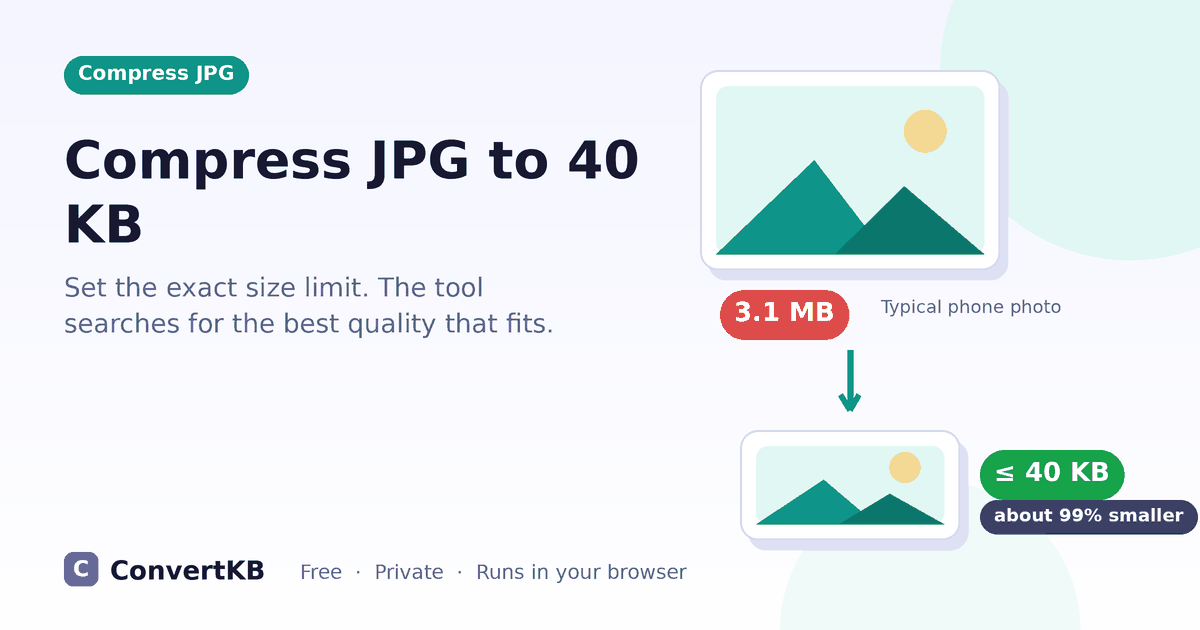
| Typical phone photo | 3.1 MB | about 99% smaller |
| Cropped passport photo | 650 KB | about 94% smaller |
| Scanned certificate (JPG) | 1.4 MB | about 97% smaller |
| Small web image | 120 KB | about 67% smaller |
Questions and answers
Does smaller always mean worse?
Not when the dimensions come down with it. A 500 × 640 photo at 40 KB looks cleaner than a 1500 × 2000 photo forced into the same size.
Is my file uploaded anywhere?
No. Everything runs inside your browser tab using your own device. Nothing is sent to a ConvertKB server, and closing the tab clears the memory used.
Related tools
Nearby sizes and companion tools for the same job.
Compress JPG to 30 KB
Compress a JPG to under 30 KB for state board and scholarship portals. Output uses a clean .jpg…
Compress JPG to 50 KB
Compress a JPG to under 50 KB for PAN, passport-style photos and many exam forms. Output uses a…
Compress JPG to 20 KB
Compress a JPG to under 20 KB for SSC, IBPS and state exam signatures. Output uses a clean .jpg…
Compress JPG to 100 KB
Compress a JPG to under 100 KB for marksheets, ID proofs and school forms. Output uses a clean…
Compress Image to 40 KB
Compress an Image to under 40 KB for job-application photos and certificates. No upload, no…
SSC Photo & Signature Resizer
Resize your SSC CGL, CHSL or MTS photo to 100×120 px (20–50 KB) and signature to 140×60 px…
Compress Image to 50 KB
Compress an Image to under 50 KB for PAN, passport-style photos and many exam forms. No upload,…