Compress JPG to 500 KB
Compress your JPG so it stays under 500 KB, ready for high-quality scans and longer reports.
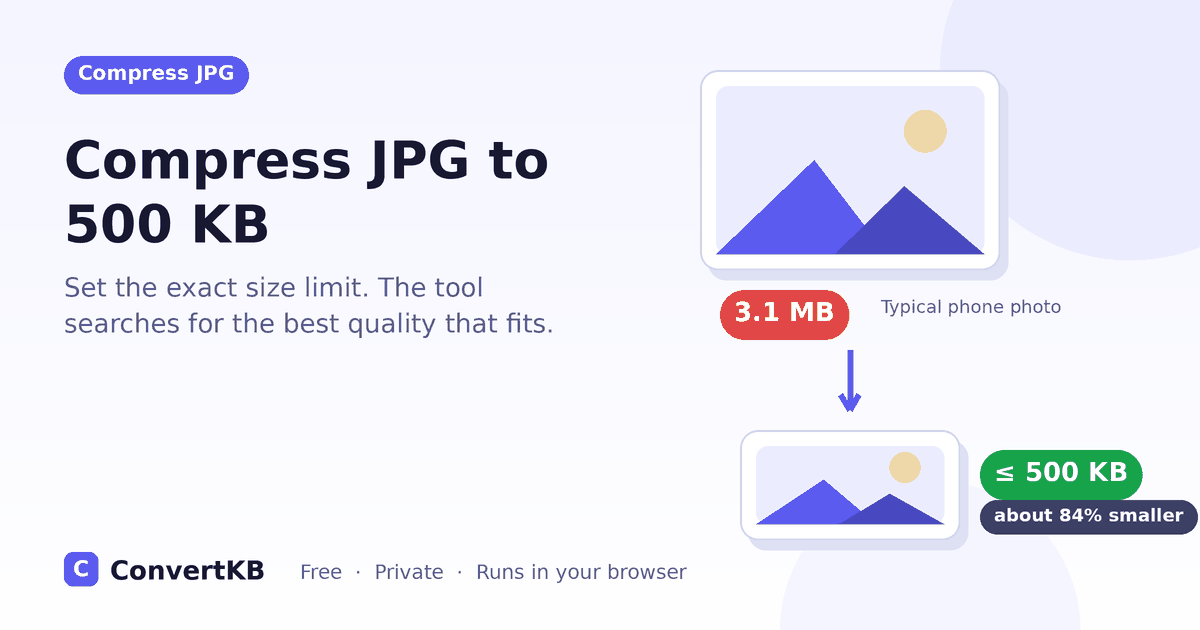
JPG at 500 KB: choose dimensions, not quality
Half a megabyte is generous. A portrait can hold roughly 1760 × 2270 pixels and a detailed landscape about 1720 × 1290, which is more than most screens display. At this size the tool seldom lowers quality below 85%, so the real choice is how many pixels to keep.
For an A4 document scanned at 200 DPI the page is 1654 × 2339 pixels, which fits comfortably, and a colour scan at 300 DPI usually needs the 1 MB size. Use this limit for insurance claims, bank forms and product photographs.
Example: a product photograph for a listing
A 6 MB photograph of 4500 × 3000 pixels is resized to 1720 × 1290 pixels, which a shop listing will display at full width. At 500 KB the tool can keep quality near 85 percent, so edges and texture stay crisp. Uploading the original 6 MB file would give no visible improvement and would slow the page down.
What a 500 KB JPG can hold
At 500 KB, expect roughly 1760 × 2270 pixels for a plain portrait and 4220 × 2110 pixels for a signature or document with mostly white background, before quality has to drop noticeably.
| Pixel size | Bits per pixel you can spend | What that means for JPG |
|---|---|---|
| 300 × 400 | 33.33 | Near-original quality |
| 600 × 800 | 8.33 | Near-original quality |
| 1200 × 1600 | 2.08 | High quality |
| 2400 × 3200 | 0.52 | Moderate: fine for ID-style photos |
Tips for a 500 KB JPG
- Resize to the screen size you actually need before compressing.
- Keep the original for printing; this version is for upload and viewing.
- Do not oversharpen; sharpening halos grow when JPG compresses again.
Typical results at 500 KB
How much a file shrinks depends on where it starts. These examples show what a 500 KB limit means in practice:
| Starting file | Starting size | Result at 500 KB |
|---|---|---|
| Typical phone photo | 3.1 MB | about 84% smaller |
| Cropped passport photo | 650 KB | about 23% smaller |
| Scanned certificate (JPG) | 1.4 MB | about 64% smaller |
| Small web image | 120 KB | already under the limit |
Questions and answers
Will a 500 KB JPG print well?
At 6 × 4 inches it prints well. For larger prints, keep the original photo, as this version is sized for screens and uploads.
Is my file uploaded anywhere?
No. Everything runs inside your browser tab using your own device. Nothing is sent to a ConvertKB server, and closing the tab clears the memory used.
Related tools
Nearby sizes and companion tools for the same job.
Compress JPG to 200 KB
Compress a JPG to under 200 KB for NEET-style photos and multi-page documents. Output uses a…
Compress JPG to 150 KB
Compress a JPG to under 150 KB for sharper ID scans and university uploads. Output uses a clean…
Compress Image to 500 KB
Compress an Image to under 500 KB for high-quality scans and longer reports. No upload, no…
Compress Image to 1 MB
Compress an Image to under 1 MB for email attachments and general uploads. No upload, no…
Compress PDF to 1 MB
Compress a PDF to under 1 MB for full application packs and scanned booklets. Keeps text when…