Compress JPG to 50 KB
Compress your JPG so it stays under 50 KB, ready for PAN, passport-style photos and many exam forms.
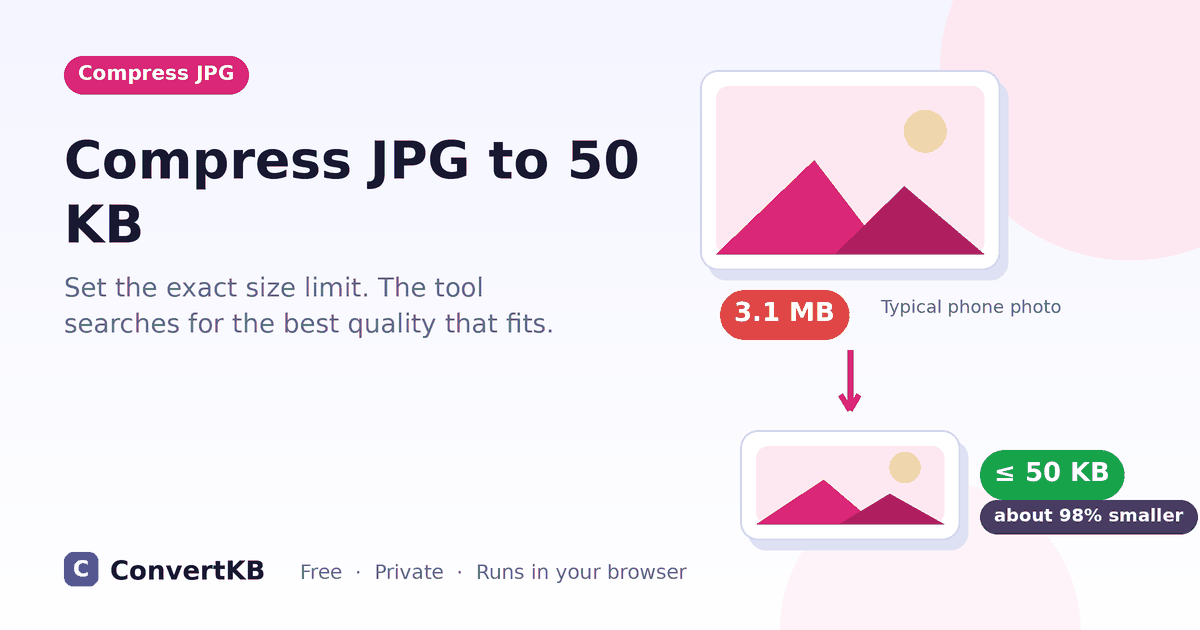
A 50 KB JPG for PAN-style forms
Fifty kilobytes is the most common ceiling for photo and signature uploads. A portrait can reach about 560 × 720 pixels and a signature roughly 1330 × 670, far more than most of these forms actually ask for, so the tool usually has headroom.
Because the tool aims about 24 bytes under 50,000 (counting 1 KB as 1000 bytes), the result also passes portals that count 1024 bytes per KB. If your form states a pixel size as well, set the dimensions first and let quality absorb the rest.
Example: a PAN-style photograph from a phone
A 3.4 MB photograph of 3000 × 4000 pixels is cropped to a passport shape and set to 50 KB. The tool normally keeps a quality in the 70s and a size around 480 to 560 pixels wide, ending near 48 to 49 KB. If the form also specifies 213 × 213 pixels, set that first and the quality rises, because fewer pixels share the same budget.
What a 50 KB JPG can hold
At 50 KB, expect roughly 560 × 720 pixels for a plain portrait and 1330 × 670 pixels for a signature or document with mostly white background, before quality has to drop noticeably.
| Pixel size | Bits per pixel you can spend | What that means for JPG |
|---|---|---|
| 300 × 400 | 3.33 | Near-original quality |
| 600 × 800 | 0.83 | Moderate: fine for ID-style photos |
| 1200 × 1600 | 0.21 | Blocky: shrink the dimensions instead |
| 2400 × 3200 | 0.05 | Blocky: shrink the dimensions instead |
Tips for a 50 KB JPG
- Choose the matching exam page first if one exists; it sets pixel size and DPI for you.
- Do not rename a PNG to .jpg; export real JPG output.
- Keep the original photo in case the portal later asks for a different size.
Typical results at 50 KB
How much a file shrinks depends on where it starts. These examples show what a 50 KB limit means in practice:
| Starting file | Starting size | Result at 50 KB |
|---|---|---|
| Typical phone photo | 3.1 MB | about 98% smaller |
| Cropped passport photo | 650 KB | about 92% smaller |
| Scanned certificate (JPG) | 1.4 MB | about 96% smaller |
| Small web image | 120 KB | about 58% smaller |
Questions and answers
Why is my file 47 KB instead of exactly 50?
The tool finds the highest quality that fits under the limit, so results land just below it. Use the padding option if a form requires a minimum.
Is my file uploaded anywhere?
No. Everything runs inside your browser tab using your own device. Nothing is sent to a ConvertKB server, and closing the tab clears the memory used.
Related tools
Nearby sizes and companion tools for the same job.
Compress JPG to 40 KB
Compress a JPG to under 40 KB for job-application photos and certificates. Output uses a clean…
Compress JPG to 100 KB
Compress a JPG to under 100 KB for marksheets, ID proofs and school forms. Output uses a clean…
Compress JPG to 30 KB
Compress a JPG to under 30 KB for state board and scholarship portals. Output uses a clean .jpg…
Compress JPG to 150 KB
Compress a JPG to under 150 KB for sharper ID scans and university uploads. Output uses a clean…
Compress Image to 50 KB
Compress an Image to under 50 KB for PAN, passport-style photos and many exam forms. No upload,…
PAN Card Photo Resizer
Resize and compress a PAN card photo to the commonly requested size: 213×213 px or 2.5×3.5 cm,…
SSC Photo & Signature Resizer
Resize your SSC CGL, CHSL or MTS photo to 100×120 px (20–50 KB) and signature to 140×60 px…
IBPS Photo & Signature Resizer
Resize IBPS PO, Clerk and RRB uploads: photo 200×230 px, signature 140×60 px, left thumb…