Compress PDF to 100 KB
Compress your PDF so it stays under 100 KB, ready for three to five page academic transcripts in greyscale.
When you need a 100 KB PDF
Works with scanned and digital PDFs, including multi-page documents. These are the situations where a 100 KB limit usually appears:
- Three to five page academic transcripts in greyscale.
- Combined Aadhaar, PAN and photo identity bundles.
- Résumés with a profile photo.
- Experience letters and appointment letters for background-verification portals.
What to expect at 100 KB
You can fit around four greyscale text pages at readable resolution or two to three colour pages. It is a good middle ground between size and legibility.
| Pages kept | Budget per page | Black-and-white text scan | Colour photo scan |
|---|---|---|---|
| 1 page | 100 KB | 154 DPI (sharp) | 91 DPI (tight) |
| 2 pages | 50 KB | 108 DPI (readable) | 64 DPI (too soft) |
| 4 pages | 25 KB | 76 DPI (tight) | 45 DPI (too soft) |
| 8 pages | 13 KB | 53 DPI (too soft) | 31 DPI (too soft) |
| 16 pages | 6.3 KB | 36 DPI (too soft) | 21 DPI (too soft) |
A real example at 100 KB
Four greyscale text pages at 125 DPI come out near 90 to 100 KB. Add a colour photograph to one page and the budget per page drops to about 60 KB.
Getting the best 100 KB result
Set the maximum to 100 KB in the tool above, add your PDF and run it; the result note reports the final size.
- If the document is mostly text, greyscale gives the best size-to-clarity ratio.
- Check the pages-to-keep range so you are not carrying blank back pages.
Typical results at 100 KB
How much a file shrinks depends on where it starts. These examples show what a 100 KB limit means in practice:
| Starting file | Starting size | Result at 100 KB |
|---|---|---|
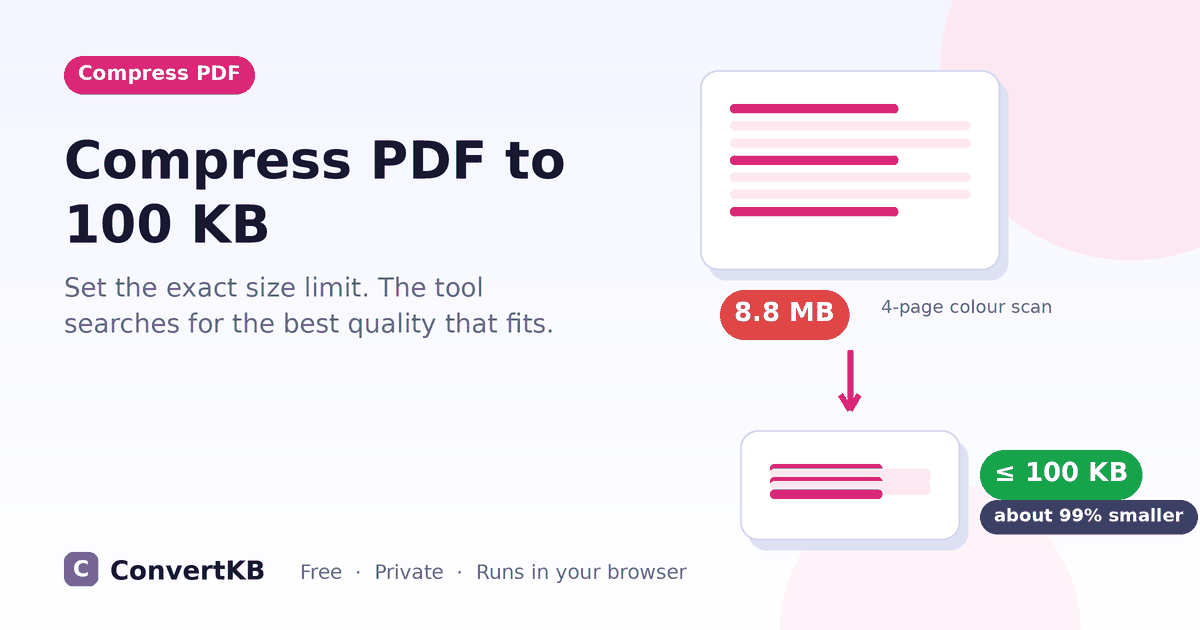
| Four-page colour scan | 8.8 MB | about 99% smaller |
| Two-page greyscale scan | 1.6 MB | about 94% smaller |
| Exported text document | 450 KB | about 78% smaller |
| Single signed page | 220 KB | about 55% smaller |
Problems at 100 KB and how to avoid them
- Pages photographed at an angle waste pixels on the background; straighten and crop before converting to PDF.
- Mixing one colour photograph page with text pages pushes every page lower; keep photographs in a separate file if you can.
Questions and answers
How many pages fit in 100 KB?
Typically three to six greyscale text pages. Pages heavy with photographs or colour backgrounds take more space each.
Is my file uploaded anywhere?
No. Everything runs inside your browser tab using your own device. Nothing is sent to a ConvertKB server, and closing the tab clears the memory used.
Related tools
Nearby sizes and companion tools for the same job.
Compress PDF to 50 KB
Compress a PDF to under 50 KB for two or three scanned pages of identity or address proof.…
Compress PDF to 200 KB
Compress a PDF to under 200 KB for ten-page academic or research documents in greyscale. Keeps…
Compress PDF to 20 KB
Compress a PDF to under 20 KB for a one-page ID proof such as an Aadhaar or PAN photocopy for…
Compress PDF to 300 KB
Compress a PDF to under 300 KB for fifteen-page assignment or project submissions. Keeps text…
Resize PDF to 100 KB
Resize a PDF to under 100 KB for three to five page academic transcripts in greyscale. Pages…
Compress Image to 200 KB
Compress an Image to under 200 KB for NEET-style photos and multi-page documents. No upload, no…