Compress PDF to 2 MB
Compress your PDF so it stays under 2 MB, ready for long reports, theses and portfolios with diagrams.
When you need a 2 MB PDF
Works with scanned and digital PDFs, including multi-page documents. These are the situations where a 2 MB limit usually appears:
- Long reports, theses and portfolios with diagrams.
- Scanned books or study material for sharing.
- Multi-document application bundles with colour pages.
- Presentation handouts exported from slides.
What to expect at 2 MB
Two megabytes holds about a hundred greyscale text pages or around forty colour scan pages at readable resolution.
| Pages kept | Budget per page | Black-and-white text scan | Colour photo scan |
|---|---|---|---|
| 1 page | 2048 KB | 698 DPI (sharp) | 411 DPI (sharp) |
| 2 pages | 1024 KB | 494 DPI (sharp) | 291 DPI (sharp) |
| 4 pages | 512 KB | 349 DPI (sharp) | 206 DPI (sharp) |
| 8 pages | 256 KB | 247 DPI (sharp) | 145 DPI (readable) |
| 16 pages | 128 KB | 174 DPI (sharp) | 103 DPI (readable) |
A real example at 2 MB
A 100-page greyscale text document at 100 DPI fits close to 2 MB, while 40 colour scan pages at 120 DPI land near the same size.
Getting the best 2 MB result
Set the maximum to 2 MB in the tool above, add your PDF and run it; the result note reports the final size.
- At 2 MB, colour is affordable; keep it where figures and signatures need it.
- If the result is still over, split the document in two rather than sacrificing legibility.
Typical results at 2 MB
How much a file shrinks depends on where it starts. These examples show what a 2 MB limit means in practice:
| Starting file | Starting size | Result at 2 MB |
|---|---|---|
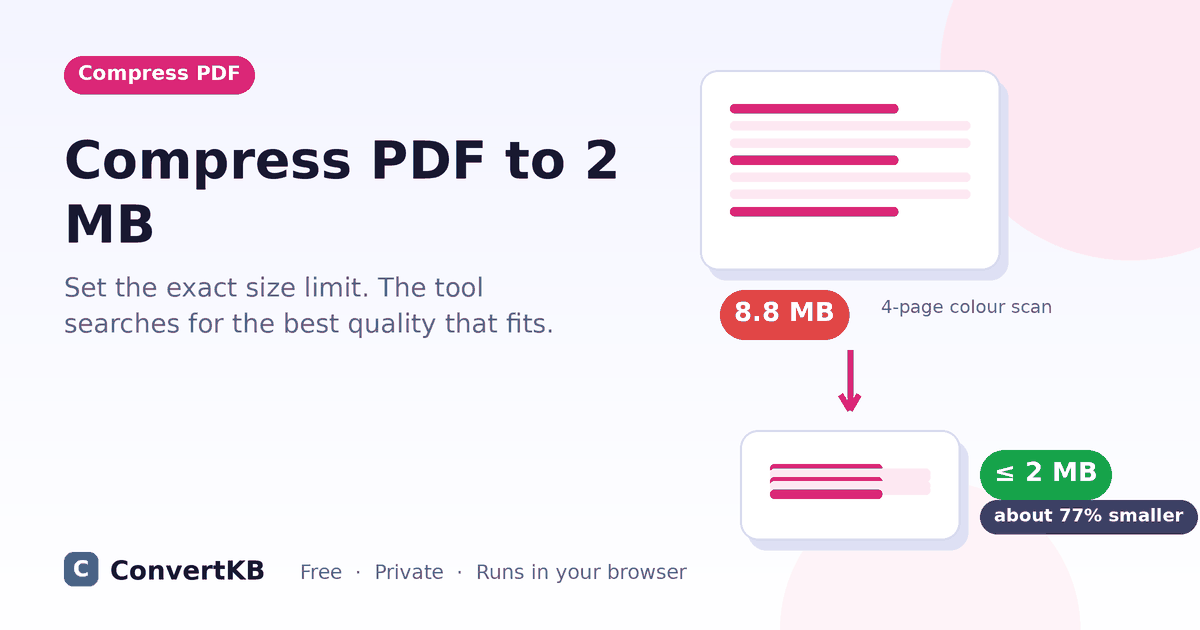
| Four-page colour scan | 8.8 MB | about 77% smaller |
| Two-page greyscale scan | 1.6 MB | already under the limit |
| Exported text document | 450 KB | already under the limit |
| Single signed page | 220 KB | already under the limit |
Problems at 2 MB and how to avoid them
- A single uncompressed image can occupy several MB; the rebuild method resamples it.
- Fonts embedded multiple times inflate PDFs exported from some tools; the smart method deduplicates where possible.
Questions and answers
Is 2 MB a common limit?
Yes for email gateways and some university portals. Check whether your portal measures in MB or KB.
Will the pages be sharp?
For text pages, yes. The tool reports the approximate DPI used so you can compare with your needs.
Is my file uploaded anywhere?
No. Everything runs inside your browser tab using your own device. Nothing is sent to a ConvertKB server, and closing the tab clears the memory used.
Related tools
Nearby sizes and companion tools for the same job.
Compress PDF to 1 MB
Compress a PDF to under 1 MB for full application packs and scanned booklets. Keeps text when…
Compress PDF to 500 KB
Compress a PDF to under 500 KB for twenty to thirty page documents at readable greyscale…
PDF Compressor
Reduce a PDF to the KB or MB limit you need. Keeps text when possible, rebuilds scans at the…