PDF Compressor
Choose a size limit and let ConvertKB find the best quality that fits. Works with scanned and digital PDFs, including multi-page documents.
Pick a target size for your PDF
Every common limit has its own page with tips and expectations for that size. Choose the one that matches your form, or use the size box above for any value.
How to compress a PDF
- Add your PDF. Password-protected files ask for the password.
- Keep the target at 300 KB. “Smart” keeps text when it can and rebuilds pages only when it must.
- Enter the pages you need, and tick greyscale for text scans.
- Press Compress PDF, read the note about the resolution used, then download.
Two ways ConvertKB shrinks a PDF
First it tries a text-preserving pass that drops metadata and duplicates but leaves the page content untouched. If that already fits your limit, you keep selectable text and sharp vectors.
If not, pages are rendered, re-encoded as JPEG images at the highest resolution that fits, and reassembled. That gives big savings on scans, but text in the result is no longer selectable. The result note tells you which method ran.
Scans, digital PDFs and why they behave differently
A PDF exported from Word or a website stores text as data and is usually small, often under 200 KB for a page. A scanned PDF stores a photograph of each page and is much larger, often 1 to 3 MB per page. The compressor treats them differently: digital PDFs are cleaned up, scans are re-encoded.
The resolution of a scan decides readability. Around 100 DPI is the threshold for body text, 150 DPI is comfortable, and 200 DPI or more suits fine print. The tool reports the resolution it used so that you can judge whether small text is still readable.
- Delete pages you do not need before compressing.
- Use greyscale for text-only scans.
- If the file is still too large, split it into two parts when the portal allows.
- Keep the original in case a better copy is requested.
Why some PDFs are huge
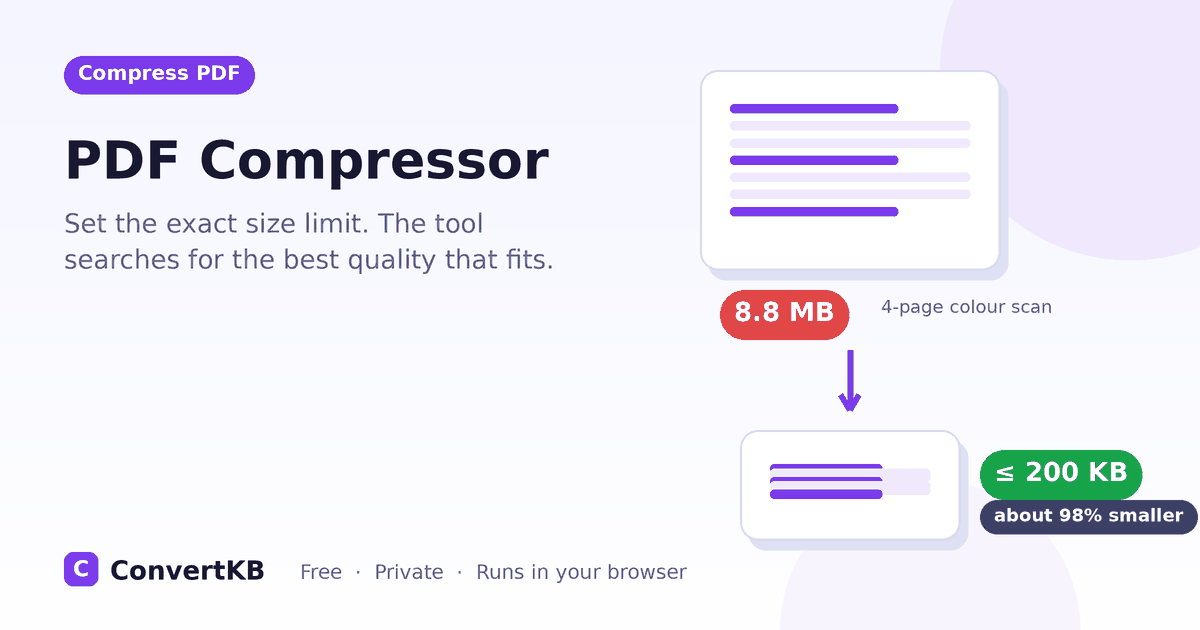
A PDF made by a scanner or a phone app is a stack of photographs, one per page, usually at 300 DPI or more. A four-page scan can easily reach 8 MB. A PDF exported from Word is mostly text and is already small.
ConvertKB handles both: text PDFs are left alone when possible, and scanned PDFs are rebuilt with each page re-encoded at the highest resolution that fits your limit.
- Metadata removal alone saves only a few kilobytes.
- Resolution is the real lever: 300 DPI to 150 DPI cuts size by about 75%.
- Greyscale removes colour data, which helps a lot on text scans.
- Page selection lets you drop blank or unneeded pages before compressing.
How the size target is set
The tool aims a few bytes under your limit, counting 1 KB as 1000 bytes. That is also under the 1024-byte figure, so the file passes whether a portal counts 1000 or 1024 bytes per KB.
Questions and answers
Why is my PDF still large after compression?
It probably contains many pages or colour photographs. Lower the page count, use greyscale or raise the limit to the size the portal allows.
Will my PDF stay searchable?
Only if the smart method can reach your target without rebuilding pages. If pages are rebuilt, the tool tells you.
Is my file uploaded anywhere?
No. Everything runs inside your browser tab using your own device. Nothing is sent to a ConvertKB server, and closing the tab clears the memory used.
Related tools
Nearby sizes and companion tools for the same job.
Compress PDF to 20 KB
Compress a PDF to under 20 KB for a one-page ID proof such as an Aadhaar or PAN photocopy for…
Compress PDF to 50 KB
Compress a PDF to under 50 KB for two or three scanned pages of identity or address proof.…
Compress PDF to 100 KB
Compress a PDF to under 100 KB for three to five page academic transcripts in greyscale. Keeps…
Compress PDF to 200 KB
Compress a PDF to under 200 KB for ten-page academic or research documents in greyscale. Keeps…
Compress PDF to 300 KB
Compress a PDF to under 300 KB for fifteen-page assignment or project submissions. Keeps text…
Compress PDF to 400 KB
Compress a PDF to under 400 KB for complete application bundles with ID, address and…
Compress PDF to 500 KB
Compress a PDF to under 500 KB for twenty to thirty page documents at readable greyscale…
Compress PDF to 1 MB
Compress a PDF to under 1 MB for full application packs and scanned booklets. Keeps text when…