Compress PNG to 1 MB
Compress your PNG so it stays under 1 MB, ready for email attachments and general uploads.
A PNG photo near 1 MB
At 1 MB a PNG can hold about 1080 × 1380 pixels of a portrait photograph or 3200 × 1600 pixels of a flat graphic. That is a useful size for an app store screenshot, a high-quality mockup or a detailed illustration that must stay lossless.
For photographs, check whether PNG is truly required. A JPG of the same picture at 1 MB can carry about four times as many pixels with no visible loss, so PNG makes sense mainly when transparency or exact pixel values matter.
Example: an app store screenshot
A phone screenshot of 1242 × 2688 pixels is typically 1.5 to 3 MB as PNG. Reducing the palette to fit 1 MB usually keeps the full pixel size, since interface screens are mostly flat colour. The saving comes from fewer distinct colours rather than fewer pixels, so the result is still pixel-exact where it matters.
What a 1 MB PNG can hold
At 1 MB, expect roughly 1080 × 1380 pixels for a plain portrait and 3200 × 1600 pixels for a signature or document with mostly white background, before quality has to drop noticeably.
| Pixel size | Bits per pixel you can spend | What that means for PNG |
|---|---|---|
| 300 × 400 | 68.27 | Lossless PNG fits as it is |
| 600 × 800 | 17.07 | Lossless PNG fits as it is |
| 1200 × 1600 | 4.27 | Light or no colour reduction |
| 2400 × 3200 | 1.07 | Heavy colour reduction (about 16 levels) |
Tips for a 1 MB PNG
- Keep PNG for graphics, transparency and exact colours; use JPG for photographs.
- If you need transparency on a photograph, cut the background out first.
- Resize to the final display size before compressing.
Typical results at 1 MB
How much a file shrinks depends on where it starts. These examples show what a 1 MB limit means in practice:
| Starting file | Starting size | Result at 1 MB |
|---|---|---|
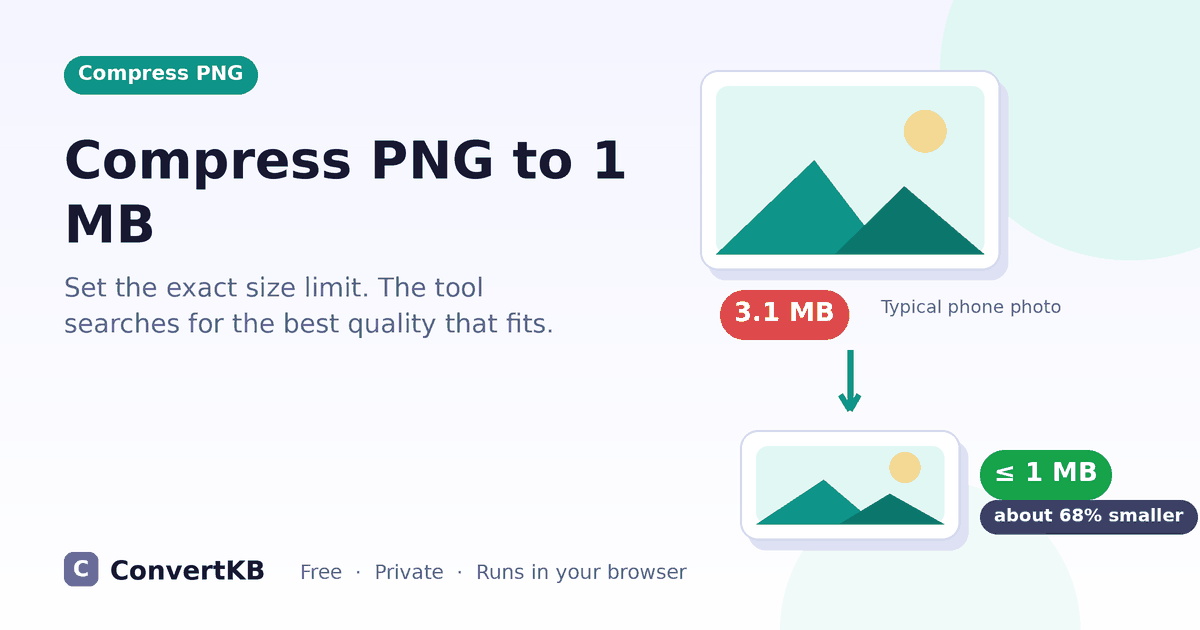
| Typical phone photo | 3.1 MB | about 68% smaller |
| Cropped passport photo | 650 KB | already under the limit |
| Scanned certificate (JPG) | 1.4 MB | about 27% smaller |
| Small web image | 120 KB | already under the limit |
Questions and answers
Why not just use JPG for everything?
JPG cannot hold transparency and slightly alters pixels. PNG is the right choice when a transparent edge or exact colours matter.
Is my file uploaded anywhere?
No. Everything runs inside your browser tab using your own device. Nothing is sent to a ConvertKB server, and closing the tab clears the memory used.
Related tools
Nearby sizes and companion tools for the same job.
Compress PNG to 500 KB
Compress a PNG to under 500 KB for high-quality scans and longer reports. Smart colour…
Compress PNG to 200 KB
Compress a PNG to under 200 KB for NEET-style photos and multi-page documents. Smart colour…
Compress Image to 1 MB
Compress an Image to under 1 MB for email attachments and general uploads. No upload, no…
Compress Image to 500 KB
Compress an Image to under 500 KB for high-quality scans and longer reports. No upload, no…
Compress PDF to 2 MB
Compress a PDF to under 2 MB for long reports, theses and portfolios with diagrams. Keeps text…