PNG Compressor
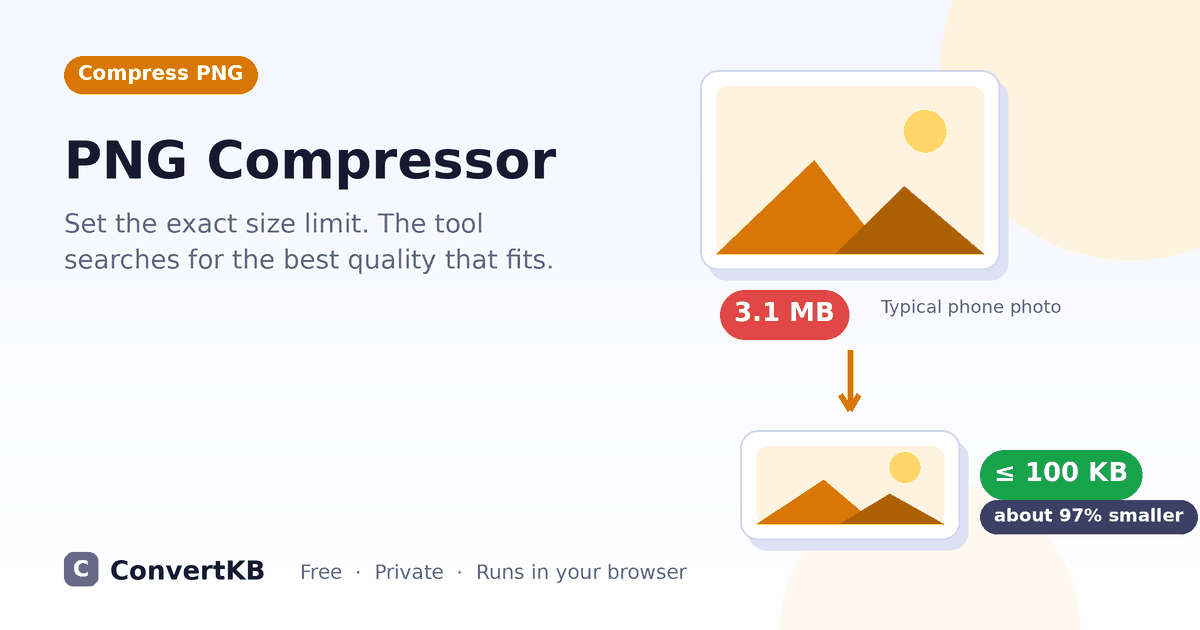
Choose a size limit and let ConvertKB find the best quality that fits. PNG is lossless, so size is controlled by dimensions and the number of colours rather than a quality slider.
Pick a target size for your PNG
Every common limit has its own page with tips and expectations for that size. Choose the one that matches your form, or use the size box above for any value.
How to compress an image
- Add your image: drop it in the box, click to browse, or paste with Ctrl+V.
- Crop or rotate if you need to. Keep “Fit to a maximum size” ticked and the maximum set to 100 KB.
- Press Compress image. The tool searches for the best quality that fits and shrinks dimensions only if it has to.
- Check the preview and the size badge, then download your file.
How the size search works
ConvertKB does not guess a quality number. It encodes the picture at several qualities, keeps the highest one that is under your limit, and only reduces pixel dimensions if even the lowest acceptable quality (40%) is still too big.
The target is set slightly under the limit (we use 1 KB = 1000 bytes) so portals that count 1024 bytes per KB also accept the file. The DPI value you choose is written into the file header, and for JPG you can pad up to a minimum size.
How PNG compression differs from JPG
PNG does not discard detail. To make a PNG smaller, ConvertKB reduces the number of distinct colours (a technique called quantisation) and, if needed, the pixel dimensions. Graphics with a handful of colours lose nothing visible, while photographs with millions of colours show banding when pushed hard.
Transparency is kept. That is the main reason to choose PNG for logos, stickers and signatures placed over other content. If transparency is not needed and the picture is a photograph, JPG will usually give a much smaller file at the same visual quality.
- Use PNG for logos, screenshots and transparency; use JPG for photographs.
- Simplify gradients and shadows if you need a very small file.
- Check transparent edges on a coloured background.
- Export at the display size to avoid wasted pixels.
Why PNG is harder to shrink than JPG
PNG stores every pixel exactly, using the same compression as ZIP files. There is no quality dial, so a photograph can be five to ten times larger as PNG than as JPG.
To hit a small size ConvertKB reduces the number of colours (posterising the palette) and, if you allow it, shrinks the pixel dimensions. Logos and screenshots with flat colours respond very well; photographs less so.
- Flat graphics, logos and screenshots: PNG stays crisp even at small sizes.
- Photographs: expect visible colour banding at tight limits; switch to JPG if the portal allows.
- Transparency is preserved when you keep the PNG format.
- The pixel density (DPI) is written to a standard pHYs chunk.
How the size target is set
The tool aims a few bytes under your limit, counting 1 KB as 1000 bytes. That is also under the 1024-byte figure, so the file passes whether a portal counts 1000 or 1024 bytes per KB.
Questions and answers
Why is my PNG larger than the original photo?
PNG stores every pixel exactly, which is far less efficient for photographs than JPG. Convert to JPG if the form allows it.
Why is my PNG still large?
Photographs contain millions of unique colours, which PNG cannot compress well. Allow colour reduction and dimension shrinking, or convert to JPG.
Is my file uploaded anywhere?
No. Everything runs inside your browser tab using your own device. Nothing is sent to a ConvertKB server, and closing the tab clears the memory used.
Related tools
Nearby sizes and companion tools for the same job.
Compress PNG to 10 KB
Compress a PNG to under 10 KB for tiny signature and thumbnail fields. Smart colour reduction…
Compress PNG to 20 KB
Compress a PNG to under 20 KB for SSC, IBPS and state exam signatures. Smart colour reduction…
Compress PNG to 30 KB
Compress a PNG to under 30 KB for state board and scholarship portals. Smart colour reduction…
Compress PNG to 40 KB
Compress a PNG to under 40 KB for job-application photos and certificates. Smart colour…
Compress PNG to 50 KB
Compress a PNG to under 50 KB for PAN, passport-style photos and many exam forms. Smart colour…
Compress PNG to 100 KB
Compress a PNG to under 100 KB for marksheets, ID proofs and school forms. Smart colour…
Compress PNG to 150 KB
Compress a PNG to under 150 KB for sharper ID scans and university uploads. Smart colour…
Compress PNG to 200 KB
Compress a PNG to under 200 KB for NEET-style photos and multi-page documents. Smart colour…