Compress WebP to 100 KB
Compress your WebP so it stays under 100 KB, ready for marksheets, ID proofs and school forms.
WebP at 100 KB for websites and apps
WebP packs more picture into each kilobyte than JPG, so a 100 KB limit holds about 910 × 1170 pixels of a portrait photograph or 910 × 680 pixels of a landscape. That is enough for a large blog image, a product photo or a hero thumbnail shown at full width on a phone.
WebP suits your own site, but many official forms still reject it. If an upload fails with a format error, switch the output to JPG at the same limit; the picture will be slightly larger in pixels but accepted everywhere.
Example: a blog header image
A 5 MB camera photo is resized to 1600 pixels wide and set to 100 KB as WebP. The tool typically keeps quality in the 70s and a size near 910 pixels on the short edge, which is plenty for a header shown on a phone. The same limit as JPG would carry about a quarter fewer pixels, which is why WebP suits websites.
What a 100 KB WebP can hold
At 100 KB, expect roughly 910 × 1170 pixels for a plain portrait and 2140 × 1070 pixels for a signature or document with mostly white background, before quality has to drop noticeably.
| Pixel size | Bits per pixel you can spend | What that means for WebP |
|---|---|---|
| 300 × 400 | 6.67 | Near-original quality |
| 600 × 800 | 1.67 | High quality |
| 1200 × 1600 | 0.42 | Moderate: fine for ID-style photos |
| 2400 × 3200 | 0.10 | Blocky: shrink the dimensions instead |
Tips for a 100 KB WebP
- Choose WebP for website images and JPG for forms.
- Resize to the displayed width before compressing to avoid wasted pixels.
- Test the result in the browsers you support before replacing originals.
Typical results at 100 KB
How much a file shrinks depends on where it starts. These examples show what a 100 KB limit means in practice:
| Starting file | Starting size | Result at 100 KB |
|---|---|---|
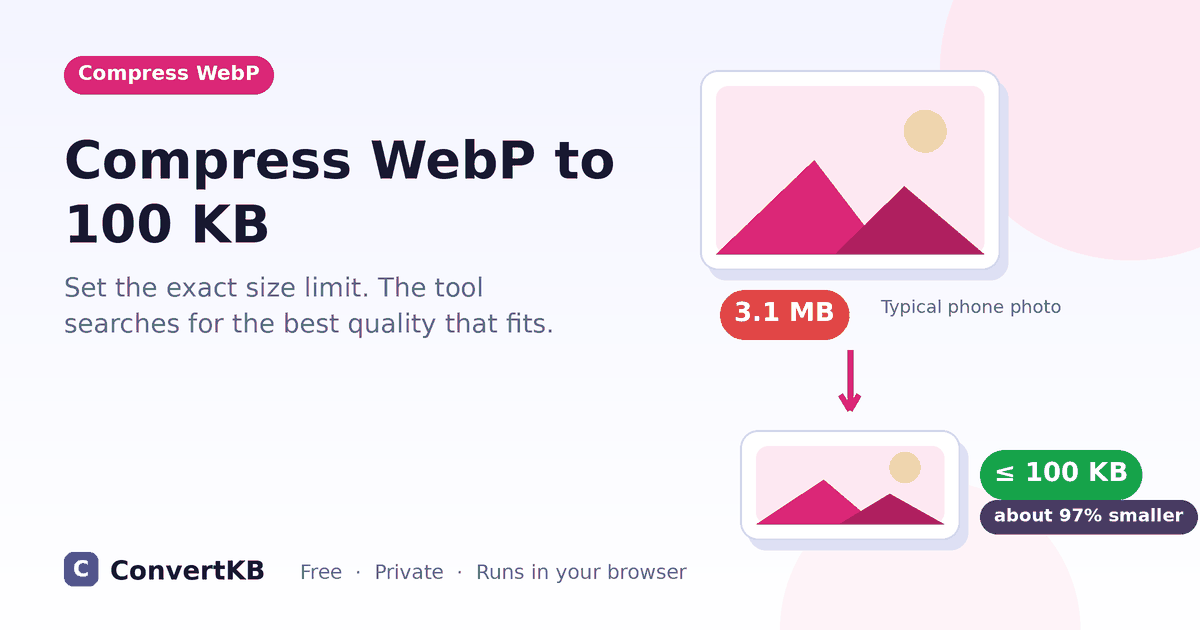
| Typical phone photo | 3.1 MB | about 97% smaller |
| Cropped passport photo | 650 KB | about 85% smaller |
| Scanned certificate (JPG) | 1.4 MB | about 93% smaller |
| Small web image | 120 KB | about 17% smaller |
Questions and answers
Is WebP at 100 KB better than JPG at 100 KB?
Usually yes: about a quarter more pixels at similar quality. The catch is compatibility, so keep a JPG copy for places that cannot open WebP.
Is my file uploaded anywhere?
No. Everything runs inside your browser tab using your own device. Nothing is sent to a ConvertKB server, and closing the tab clears the memory used.
Related tools
Nearby sizes and companion tools for the same job.
Compress Image to 100 KB
Compress an Image to under 100 KB for marksheets, ID proofs and school forms. No upload, no…
Compress PDF to 200 KB
Compress a PDF to under 200 KB for ten-page academic or research documents in greyscale. Keeps…
Compress Image to 200 KB
Compress an Image to under 200 KB for NEET-style photos and multi-page documents. No upload, no…