WebP Compressor
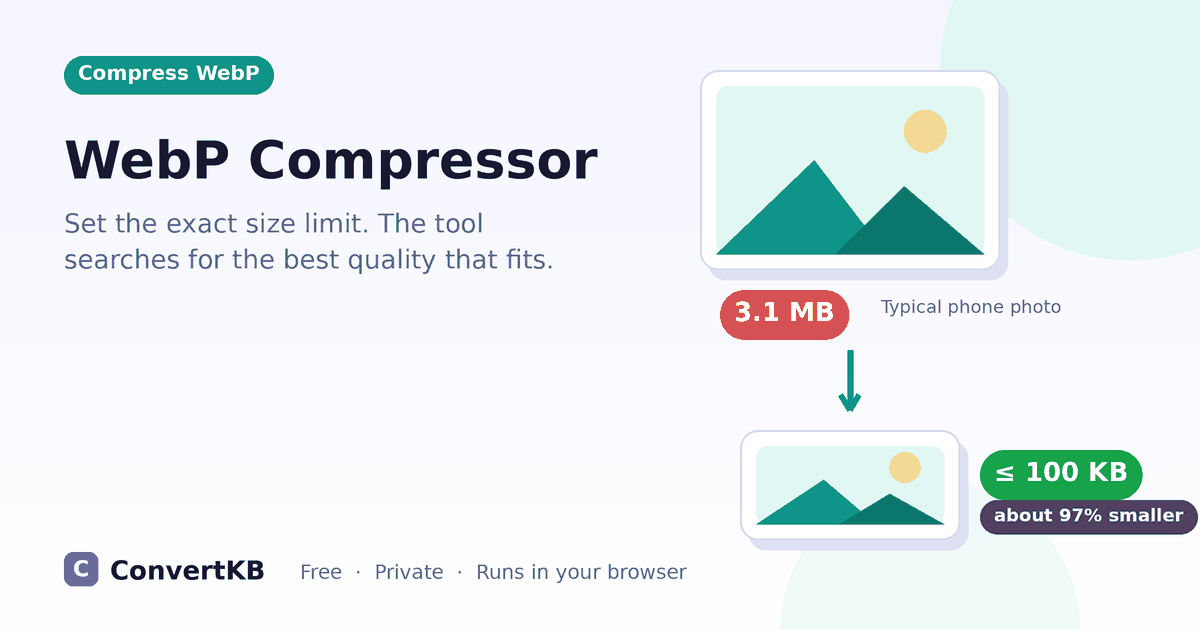
Choose a size limit and let ConvertKB find the best quality that fits. WebP is Google’s modern format and typically produces files 25% smaller than JPG at the same visual quality.
Pick a target size for your WebP
Every common limit has its own page with tips and expectations for that size. Choose the one that matches your form, or use the size box above for any value.
How to compress an image
- Add your image: drop it in the box, click to browse, or paste with Ctrl+V.
- Crop or rotate if you need to. Keep “Fit to a maximum size” ticked and the maximum set to 100 KB.
- Press Compress image. The tool searches for the best quality that fits and shrinks dimensions only if it has to.
- Check the preview and the size badge, then download your file.
How the size search works
ConvertKB does not guess a quality number. It encodes the picture at several qualities, keeps the highest one that is under your limit, and only reduces pixel dimensions if even the lowest acceptable quality (40%) is still too big.
The target is set slightly under the limit (we use 1 KB = 1000 bytes) so portals that count 1024 bytes per KB also accept the file. The DPI value you choose is written into the file header, and for JPG you can pad up to a minimum size.
WebP for the web, and when to avoid it
WebP is an image format designed for the web by Google. It usually produces files about a quarter smaller than JPG at similar visual quality, and it supports transparency like PNG. All current major browsers display it, which makes it a good choice for your own website and app.
It is a poor choice for uploads to official forms, email attachments and older software, many of which cannot open it. When a WebP is rejected, switch the output to JPG; the tool lets you convert and compress in one step.
- Use WebP on pages you control and JPG for uploads.
- Keep your originals; WebP is a delivery format.
- Check the result in the browsers you support.
- The 100 KB page gives dimensions typical of that limit.
When WebP is the right choice
WebP supports both lossy and lossless compression plus transparency, so it can replace JPG and PNG on websites and in apps. Every current browser can open it.
Government forms, older office software and many email systems still reject WebP, so use it for your own site or app and keep JPG for official uploads.
- Websites and blogs: smaller pages and faster loading.
- Chat apps and modern marketplaces: widely accepted.
- Official application portals: check first, many only accept JPG.
- Print workflows: convert to JPG or PNG; WebP support is patchy.
How the size target is set
The tool aims a few bytes under your limit, counting 1 KB as 1000 bytes. That is also under the 1024-byte figure, so the file passes whether a portal counts 1000 or 1024 bytes per KB.
Questions and answers
Is WebP smaller than JPG?
Typically by around 25 to 35 percent at similar quality, depending on the picture.
Is WebP better than JPG?
For file size, yes. For compatibility with older software and official forms, JPG is safer.
Is my file uploaded anywhere?
No. Everything runs inside your browser tab using your own device. Nothing is sent to a ConvertKB server, and closing the tab clears the memory used.
Related tools
Nearby sizes and companion tools for the same job.